FactoryTalk View ME vs SE: Which Edition Should You Use?
FactoryTalk View ME is for a machine-level HMI; SE is for networked HMI and SCADA systems. Compare architecture, deployment, licensing, migration and testing.
FactoryTalk View Machine Edition (ME) is the usual choice for one machine and one local operator interface. FactoryTalk View Site Edition (SE) is the scalable HMI/SCADA choice for networked operator stations, shared servers, plant-wide data and redundancy. FactoryTalk View Studio is the engineering environment used to build the application; it is not the runtime architecture by itself.
That distinction resolves most of the “ME vs SE” question. The difficult part is deciding where a machine ends and a plant system begins, then proving that the selected architecture still works during network, server and controller failures.
Evidence note (reviewed July 25, 2026): Rockwell Automation’s Product Compatibility and Download Center lists FactoryTalk View ME and SE version 16.00.00. Always verify the exact version, supported operating system, PanelView firmware and required licenses in the PCDC before ordering or upgrading.
ME vs SE at a glance
| Decision | FactoryTalk View ME | FactoryTalk View SE |
|---|---|---|
| Primary scope | One machine or local skid | Area, line, plant or distributed SCADA |
| Typical runtime | PanelView Plus or compatible Windows computer | Network Station or distributed HMI servers and clients |
| Runtime artifact | Machine-level runtime application | Server/client application deployed through the FactoryTalk system |
| Data ownership | Usually one controller and one local HMI | Shared data, alarms and displays across controllers and clients |
| Offline behavior | Local HMI can continue if the plant network is unavailable, subject to its controller connection | Behavior depends on the designed server, client and network architecture |
| Redundancy | Limited compared with a distributed SCADA design | Supported through appropriately licensed and engineered SE architecture |
| Best fit | OEM machine, standalone cell, local panel | Multi-machine line, utilities area, control room, plant supervision |
| Main risk if misapplied | A machine HMI becomes a fragile “mini-SCADA” | A simple machine inherits unnecessary server, licensing and administration overhead |
What FactoryTalk View Studio actually does
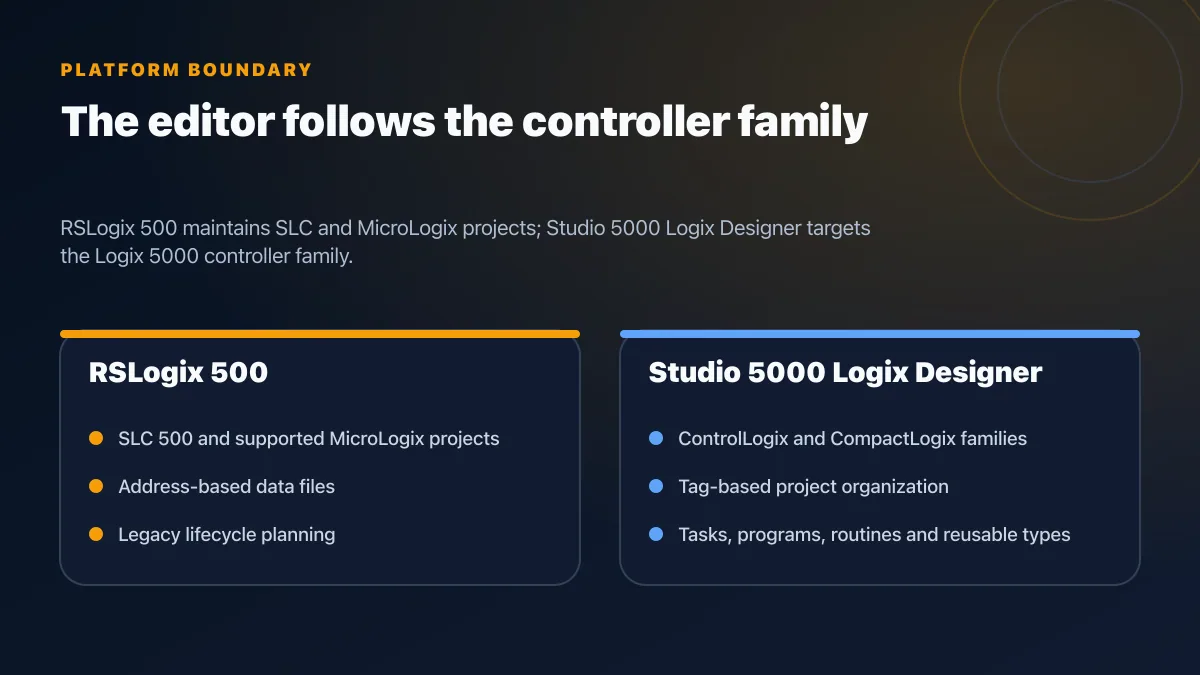
FactoryTalk View Studio is the design-time tool used to create displays, tags, alarms, parameters, navigation and communications. Rockwell offers engineering packages for Machine Edition and for the broader FactoryTalk View environment. The runtime you deploy determines whether the system is ME or SE.
A useful project question is therefore not “Do we have View Studio?” but:
- Which edition is the application?
- Where will it run?
- Which controller data must remain available during a network or server failure?
- How many concurrent operators need independent sessions?
- Which licenses, firmware and operating systems form the supported combination?
The FactoryTalk View ordering guide is the primary source for current package structure. The Product Compatibility and Download Center is the primary place to validate the exact version combination.
FactoryTalk View Machine Edition in depth
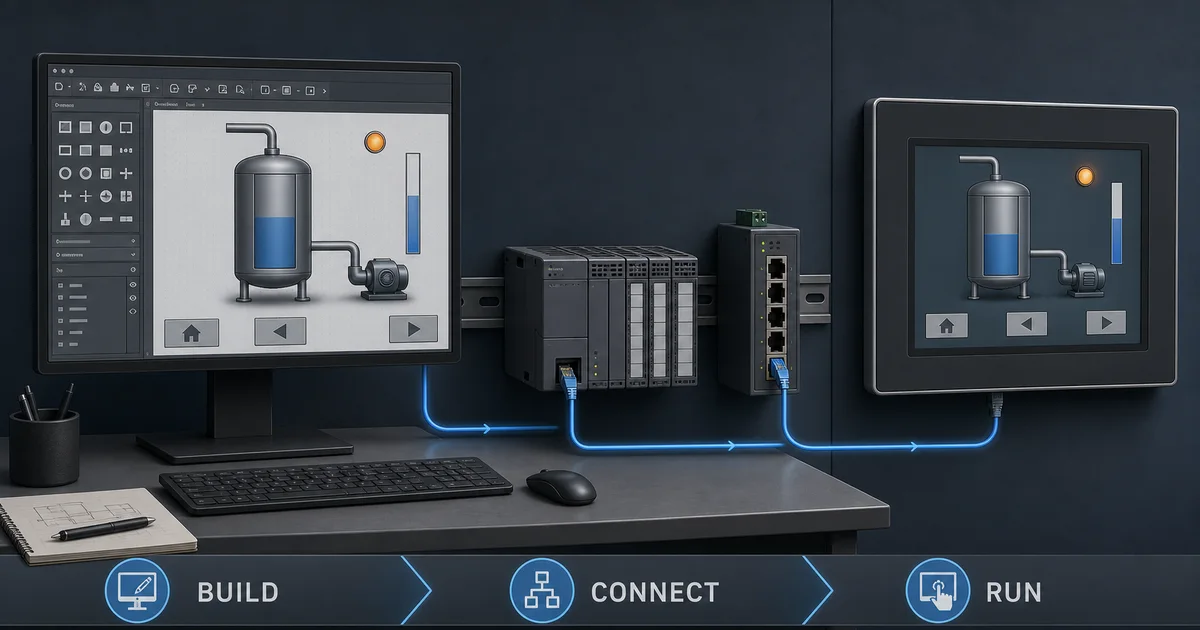
Rockwell describes FactoryTalk View ME as a machine-level HMI solution. Typical targets include PanelView Plus terminals and appropriately supported industrial computers.
ME is a good fit when:
- one machine needs a local operator interface;
- the HMI communicates primarily with the machine controller;
- local operation should not depend on a central HMI server;
- a machine builder wants a repeatable runtime per delivered machine; and
- the project does not require a distributed SE server/client architecture.
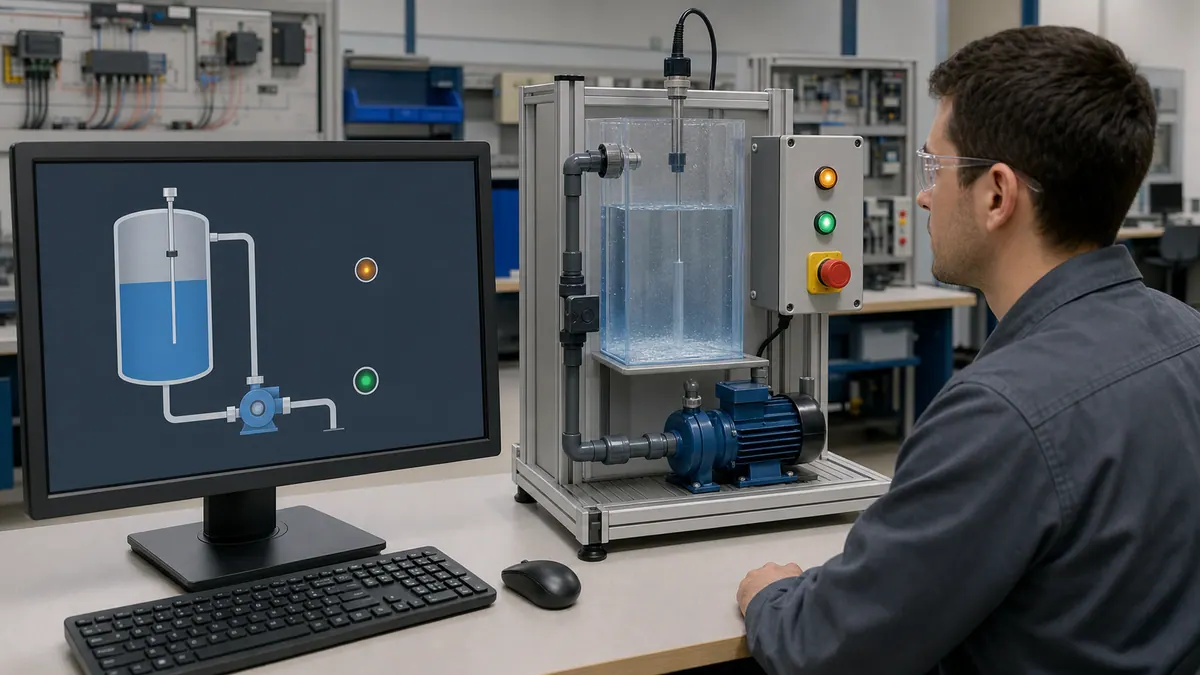
An ME application normally contains its own displays, navigation, alarm presentation and controller shortcuts. That makes it operationally simple, but it can become difficult to govern if dozens of machines each evolve different tag names, alarm priorities and navigation patterns.
ME design checklist
- Fix the PanelView model, screen resolution and firmware before designing.
- Confirm the ME runtime version is supported by the target terminal.
- Define controller shortcuts and tag ownership in an interface document.
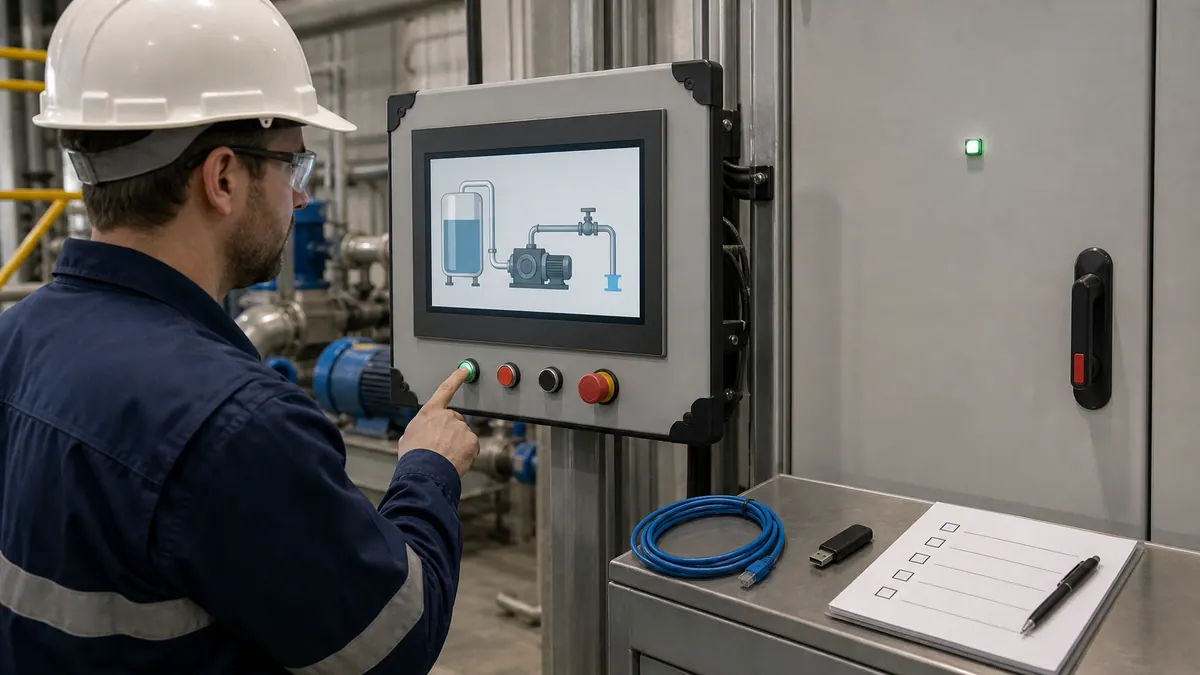
- Test power loss, controller disconnect and communications recovery.
- Verify how retained values, recipes and local data are backed up.
- Export a known-good source archive and record the generated runtime version.
Live mini-lab
Try it: press START, then STOP
A stop-dominant seal-in rung: START latches the motor output through its own contact, and STOP breaks the circuit.
Watch the output lamp: it stays on after START until you press STOP.
Free to start · runs in your browserOpens plcsimulationsoftware.com — same team
FactoryTalk View Site Edition in depth
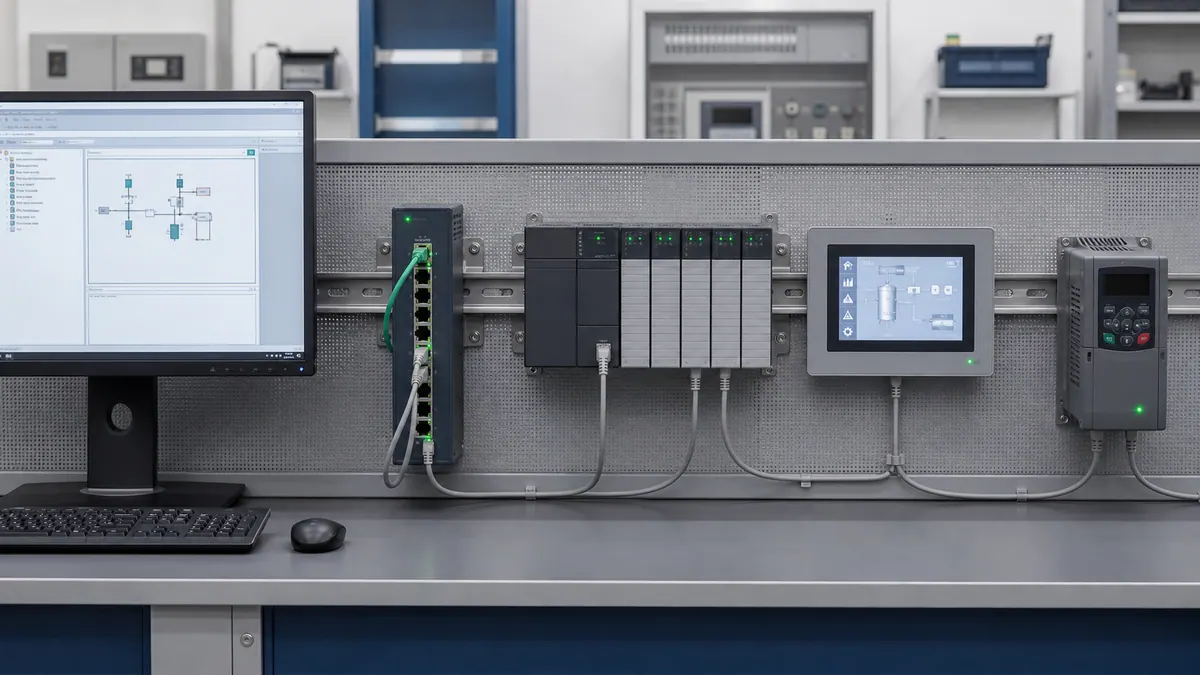
Rockwell describes FactoryTalk View SE as a scalable HMI/SCADA platform supporting standalone through distributed architectures. SE is appropriate when the application must coordinate multiple operator clients, controllers, areas or servers.
SE is a good fit when:
- several operators need independent sessions;
- displays and alarms must be centrally governed;
- the project spans multiple controllers or production areas;
- server or network redundancy is a defined availability requirement;
- Windows/domain administration is part of the support model; or
- plant-wide historian, reporting or web access must be integrated deliberately.
Do not treat “distributed” as automatically “resilient.” Availability comes from the engineered combination of server roles, network paths, client behavior, controller ownership, redundancy, backups and tested recovery procedures.
Rockwell’s current ordering guide notes that, beginning with version 13, SE server offerings were simplified into server bundles with client entitlements and unlimited displays. That does not mean every client, redundancy feature or supporting product is automatically licensed. Build the bill of material from the current guide and quote rather than copying a package from an older project.
A practical selection method
Score the project before selecting the edition:
| Question | ME-leaning answer | SE-leaning answer |
|---|---|---|
| Operating boundary | One machine | Several machines or an area |
| Concurrent operators | One local station | Multiple independent clients |
| Controller count | One primary controller | Multiple controllers and data sources |
| Change governance | Per-machine release | Centrally managed displays and standards |
| Network dependency | Local control/HMI segment | Plant services and distributed architecture |
| Availability design | Replace/restore local terminal | Server/client/network failover requirements |
| Support owner | OEM or machine technician | Controls plus plant OT/IT administration |
Choose ME when the left column describes the actual operating boundary. Choose SE when the right column is a genuine requirement with budget and support ownership—not just a possible future feature.
Three common edge cases
A packaging machine that reports to a plant SCADA: keep machine operation in ME and publish selected controller data to the plant system. Do not make the machine dependent on the SCADA server unless the functional design explicitly requires it.
A line with ten nearly identical machines: ME can remain sensible if each machine is autonomous. Use a common faceplate, tag and release standard to prevent ten incompatible projects.
One large process skid with several operator stations: the physical skid may be “one machine,” but multiple independent clients and centralized alarm governance can make SE the better architecture.
Licensing and downloads without guesswork
There is no reliable universal price for an ME or SE project. Price depends on edition, version, client count, server package, support agreement, hardware and regional quotation. Avoid articles or forum posts that present a single license price without a catalog number and date.
Use this procurement path:
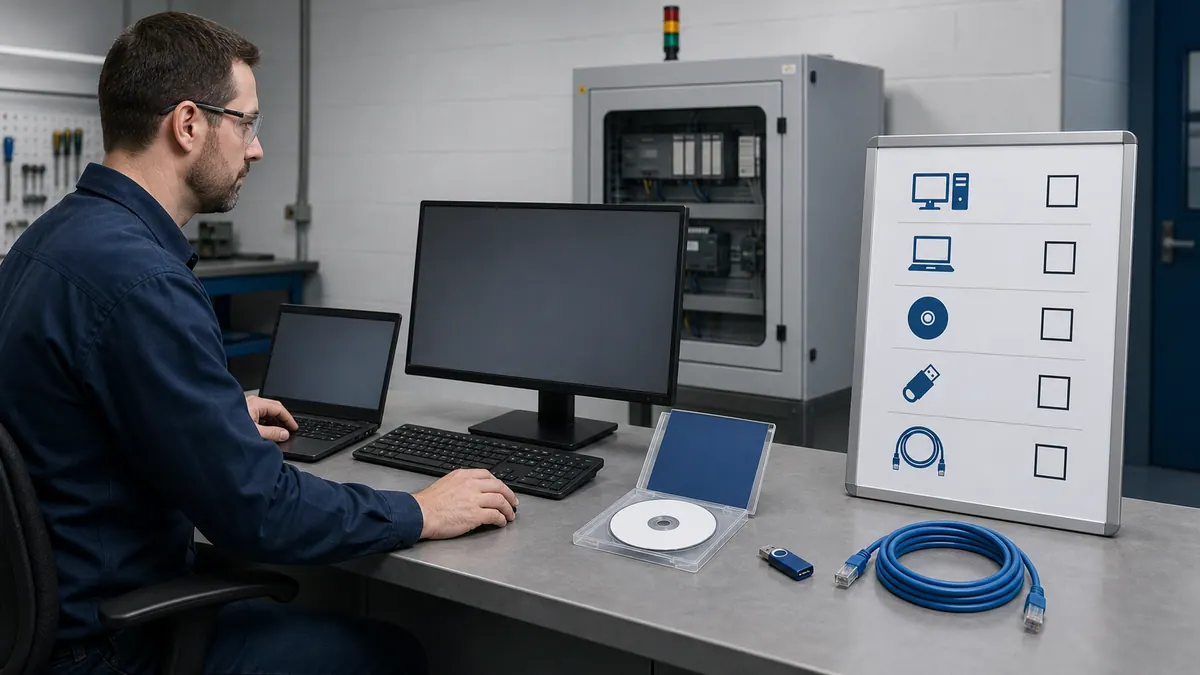
- Freeze the proposed architecture and concurrent client count.
- Identify the engineering package and every runtime role.
- Check version and operating-system support in the PCDC.
- Check terminal firmware compatibility for ME targets.
- Build a catalog-number bill of material from the current ordering guide.
- Obtain a dated distributor quote.
- Test activation, backup and disaster recovery before site acceptance.
Migration: ME to SE, SE to ME and RSView32
Treat a change of edition as an engineering migration, not a filename conversion. Even where graphic or tag assets can be reused, navigation, parameters, security, alarming, communications and runtime behavior must be reviewed against the destination architecture.
A defensible migration produces:
- a source-to-destination object inventory;
- a tag and shortcut mapping;
- a list of unsupported or re-engineered behaviors;
- screen-by-screen acceptance evidence;
- alarm and trend reconciliation;
- security-role tests;
- communications-loss and restart tests; and
- a rollback package.
Rockwell provides a dedicated RSView32 to FactoryTalk View SE migration path. That does not make every legacy macro, ActiveX control or operating assumption automatically portable. Run an application-specific pilot before committing the whole plant.
Acceptance tests that catch expensive mistakes
| Test | Method | Pass condition |
|---|---|---|
| Tag quality | Disconnect one controller path | Display shows bad quality rather than a plausible stale value |
| Command handshake | Issue start, stop and reset through the HMI | Command is momentary, acknowledged and governed by PLC permissives |
| Alarm lifecycle | Force cause, acknowledge, clear and return to normal | Timestamps and states follow the site philosophy |
| Client loss | Remove one SE client | Other clients and controllers behave as designed |
| Server/network loss | Isolate the documented SE dependency | Operator receives the intended degraded-mode indication |
| Runtime restart | Reboot terminal or server | Application recovers without unsafe automatic commands |
| Restore | Recover from the controlled backup | Exact application/version is restored and verified |
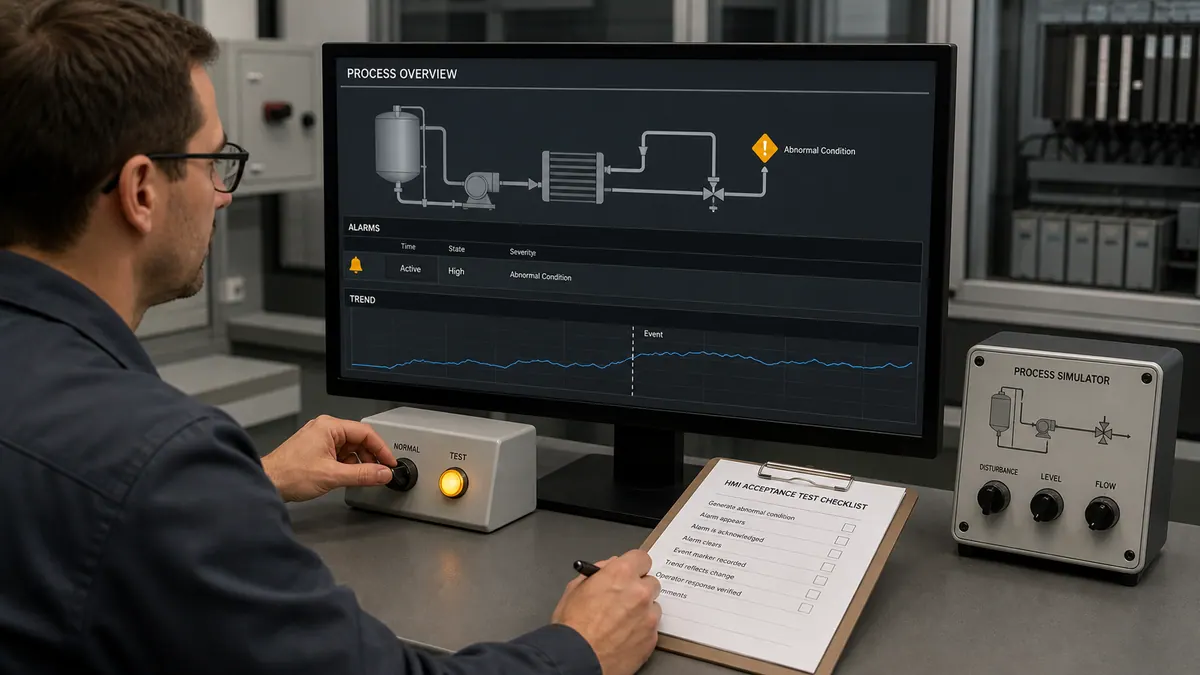
Practice the PLC behavior before building the HMI
FactoryTalk View does not replace PLC logic. Motor permissives, fault latching, state transitions and safe outputs belong in the controller design, while the HMI presents state and requests authorized actions.
You can practice those controller behaviors in PLC Simulation Software. Disclosure: PLCProgramming.io and PLC Simulation Software have common ownership. The simulator is a training product, not a Rockwell Automation product; it does not open FactoryTalk projects, emulate PanelView firmware or validate FactoryTalk licensing. Use it to test the underlying ladder-logic sequence before mapping the tags into ME or SE.
For the full build workflow, continue with the FactoryTalk View Studio tutorial, HMI programming tutorial and HMI design best practices.
Limitations and safety boundary
- This comparison is architecture guidance, not a Rockwell quotation or compatibility approval.
- Version support changes. Check the PCDC for the exact operating system, firmware and product combination.
- An HMI command must not bypass PLC permissives, machine guarding or safety functions.
- Safety-related functions require a risk assessment, an approved safety architecture and validation by qualified personnel.
- A simulated controller or test HMI cannot certify a production machine.
Frequently asked questions
Is FactoryTalk View Studio free?
Do not assume it is. Engineering and runtime entitlements depend on the edition and package. Use the current ordering guide and a dated distributor quote.
Can ME and SE use the same displays?
They share concepts, but do not plan a one-click edition conversion. Inventory and validate graphics, tags, parameters, alarms, security and runtime behaviors in the destination edition.
Does SE always require multiple servers?
No. Rockwell supports standalone and distributed SE architectures. Select the smallest supported architecture that meets the documented client, availability and administration requirements.
Is ME only for PanelView terminals?
No. Rockwell documents ME as a machine-level HMI that can run on supported PanelView and industrial-computer targets. Validate the exact target and runtime combination in the PCDC.
What replaced RSView32?
Rockwell positions FactoryTalk View SE as the migration destination and provides an RSView32-to-SE migration path. Application-specific compatibility still needs a pilot and acceptance test.
Primary sources
Now run it · free to start
Build an HMI screen in your browser
Design operator screens from tags, pushbuttons and pilot lamps up to alarms and trends in a browser HMI builder. Free to start, nothing to install.
Ownership disclosure: PLC Programming IO and PLC Simulation Software are operated by the same publisher.