PLC Programming Software: Tools, Compatibility & Fit
A source-backed method for choosing PLC programming software by controller, project file, simulation, diagnostics, and licensing fit.
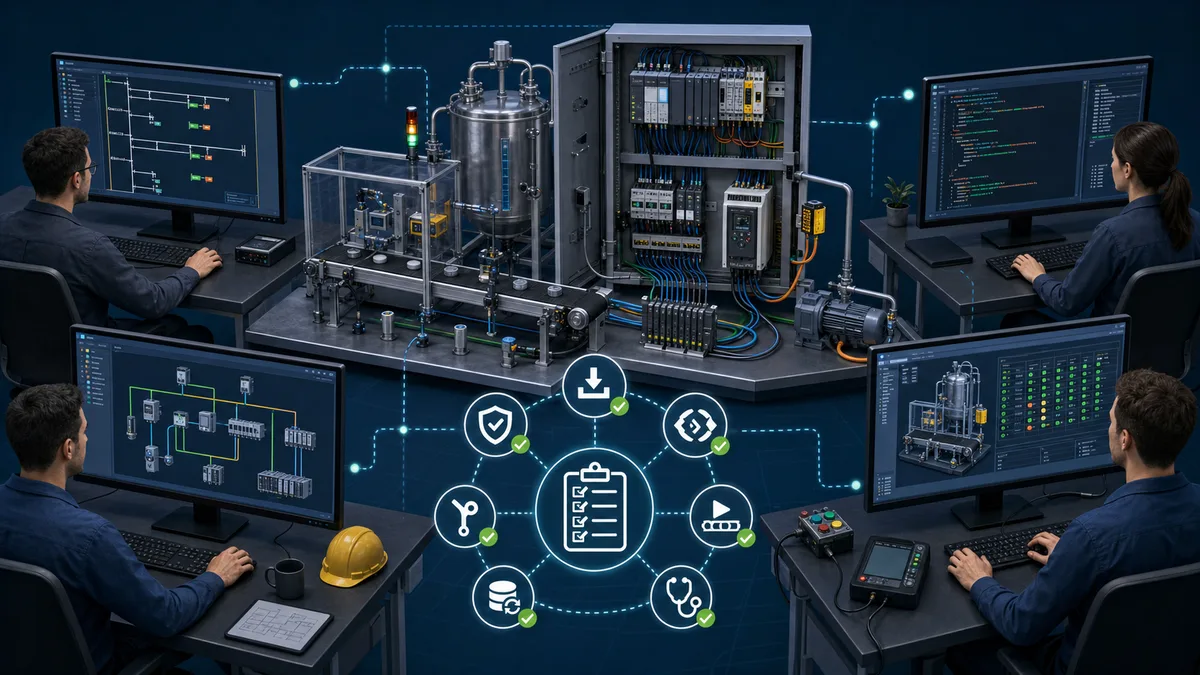
Quick answer
Choose the engineering software required by the exact controller family and firmware you must support. If you are learning without assigned hardware, start with a tool that lets you write, run, observe, and debug a small IEC 61131-3 program without buying a controller. Never assume that two tools using ladder diagram or structured text can exchange native project files.
There is no meaningful universal winner. Siemens STEP 7, Rockwell Studio 5000 Logix Designer, Mitsubishi GX Works3, and Schneider Electric engineering environments are primarily selected by their compatible controller families. CODESYS and OpenPLC can be useful for learning or for supported runtimes, but neither makes an arbitrary proprietary PLC programmable.
Use the page that matches your software intent
These pages solve different jobs. Keeping their scope distinct prevents a broad selection guide from competing with a directory or ranked list:
| Page | Use it for | What it does not try to do |
|---|---|---|
| This PLC software pillar | Decide which evidence to collect for controller, project, simulator, diagnostic and licence fit | Rank every product with one universal score |
| Software directory | Open a specific product profile, requirement summary or deep review | Teach the complete selection method |
| Free PLC software hub | Find no-cost editors, simulators and learning paths by platform | Compare full paid engineering ecosystems |
| Best PLC programming software | Compare a reviewed shortlist for a defined learner or engineering use case | Prove compatibility with your exact CPU |
| PLC simulator guide | Compare code execution, process simulation, emulation and training use | Replace a production controller acceptance test |
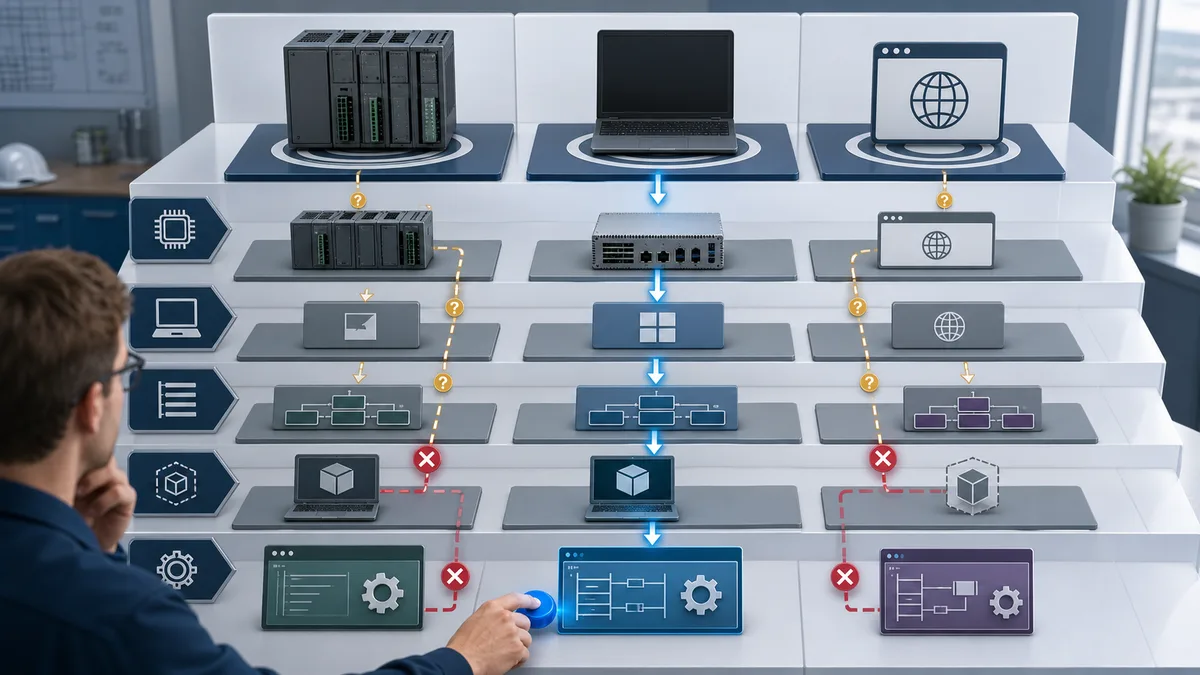
What the software choice actually controls
The engineering application is not just a code editor. It usually controls some or all of these project activities:
- selecting the CPU, I/O, communication modules, and firmware;
- declaring tags, addresses, user-defined types, and retained data;
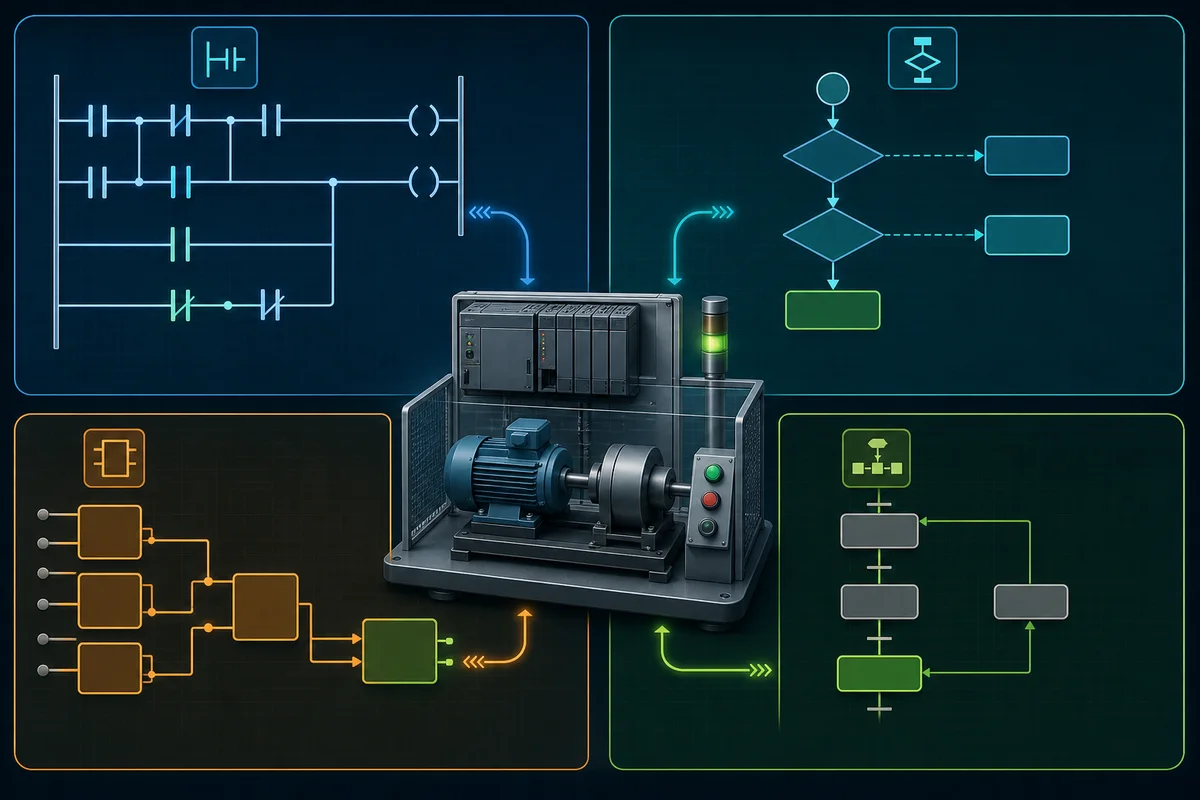
- writing ladder, structured text, function block diagram, or sequential logic;
- compiling against a particular controller target;
- downloading, going online, forcing values, and reading diagnostics;
- configuring safety, motion, networks, drives, or HMI options;
- archiving a project in a format another engineer can reopen.
That is why language support alone is a poor selection criterion. A generic editor may teach the TON timer concept, yet it cannot necessarily open a vendor project, reproduce its instruction set, or download to its CPU.
Comparison by job to be done
| Software | Use it when | Confirm before committing |
|---|---|---|
| Siemens STEP 7 in TIA Portal | The target is a supported SIMATIC controller | STEP 7 edition, CPU and firmware support, safety or motion options, PLCSIM needs |
| Rockwell Studio 5000 Logix Designer | The target is a supported Logix 5000 controller | Controller family, required editor edition, release compatibility, emulate and safety needs |
| Mitsubishi GX Works3 | The target is a MELSEC iQ-R or iQ-F controller | Exact CPU support, installed profiles, simulator availability, legacy GX Works2 boundary |
| Schneider EcoStruxure Control Expert | The target is a supported Modicon process controller or PAC | M340/M580 family support, safety edition, topology and simulator needs |
| Schneider EcoStruxure Machine Expert | The target is a supported Modicon machine controller | M221 versus M241/M251/M262 tool boundary, edition, motion and safety options |
| CODESYS Development System | The runtime or device manufacturer explicitly supports CODESYS | Device package, runtime licence, target version, fieldbus and visualisation add-ons |
| OpenPLC | The target is supported by the selected OpenPLC runtime or the goal is IEC practice | Runtime/hardware support, I/O mapping, protocol limits, deployment model |
| LogixPro | The goal is RSLogix-style ladder practice in its included simulations | It is a training simulator, not a Studio 5000 project interchange tool |
| Factory I/O | The goal is a 3D process scene connected to a compatible PLC or simulator | The driver, companion controller software, edition, and tag mapping |
| PLCsimulationsoftware.com | The goal is browser-based ladder practice without installing vendor software | Supported dialect and instruction coverage for the lesson you plan to run |
The “use it when” column is intentionally narrow. For production work, the CPU catalogue and supported software matrix override any general recommendation.
Current manufacturer evidence
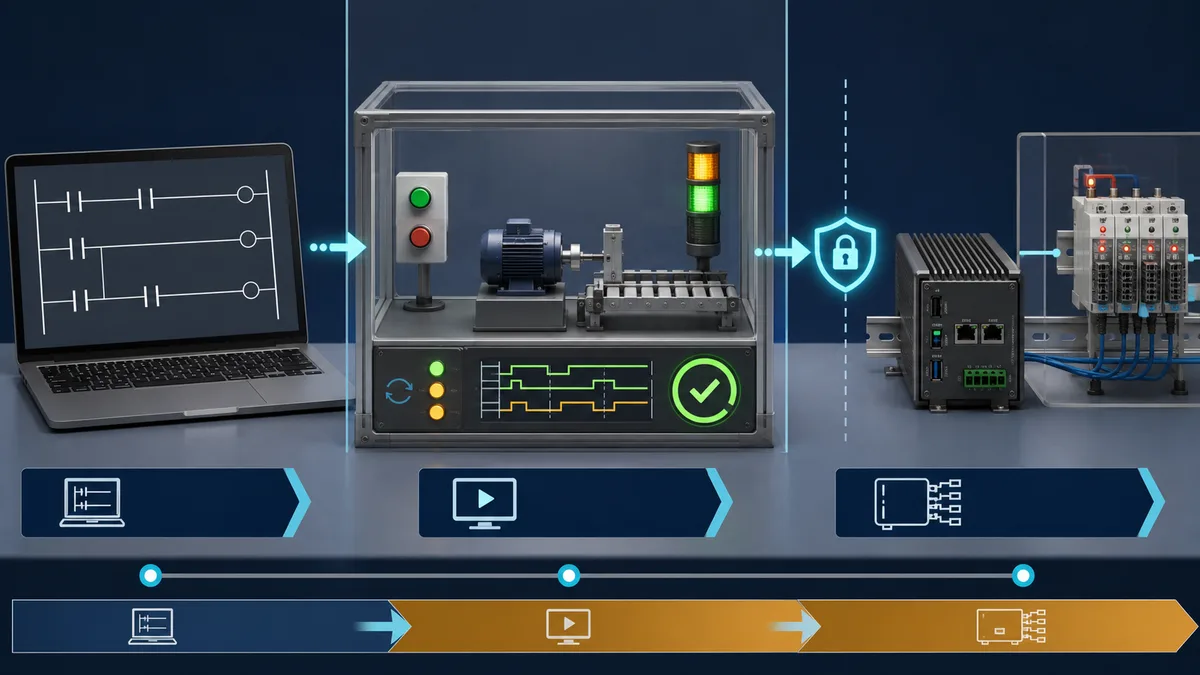
The product scope below comes from manufacturer pages reviewed on 25 July 2026:
- Siemens STEP 7 is the PLC engineering application inside TIA Portal. Siemens describes configuration, programming, testing, and diagnostics for supported SIMATIC systems. Siemens announced TIA Portal V21 in November 2025; an installed plant may still require an older compatible release.
- Rockwell Studio 5000 Logix Designer is the programming application for Logix 5000 controllers. Rockwell publishes an edition ordering guide because controller support and included functions differ by edition.
- Mitsubishi GX Works3 is Mitsubishi Electric's current engineering environment for MELSEC iQ-R and iQ-F control systems. Mitsubishi separately maintains legacy and other engineering products, so identify the CPU before downloading.
- Schneider EcoStruxure Control Expert supports specified Modicon PAC families including M340 and M580. EcoStruxure Machine Expert covers specified machine-control families; Machine Expert Basic is the M221-specific branch.
- CODESYS Development System can be downloaded without charge and includes IEC 61131-3 editors. The development environment, target runtime, device packages, and optional products have separate licensing and compatibility considerations.
- OpenPLC publishes an editor and runtimes for supported platforms. Treat the project documentation and the selected runtime's hardware list as the compatibility authority rather than assuming that “open source” means every I/O platform works identically.
These links document scope, not suitability for your machine. Record the page, release, and date you relied on in the project design file.
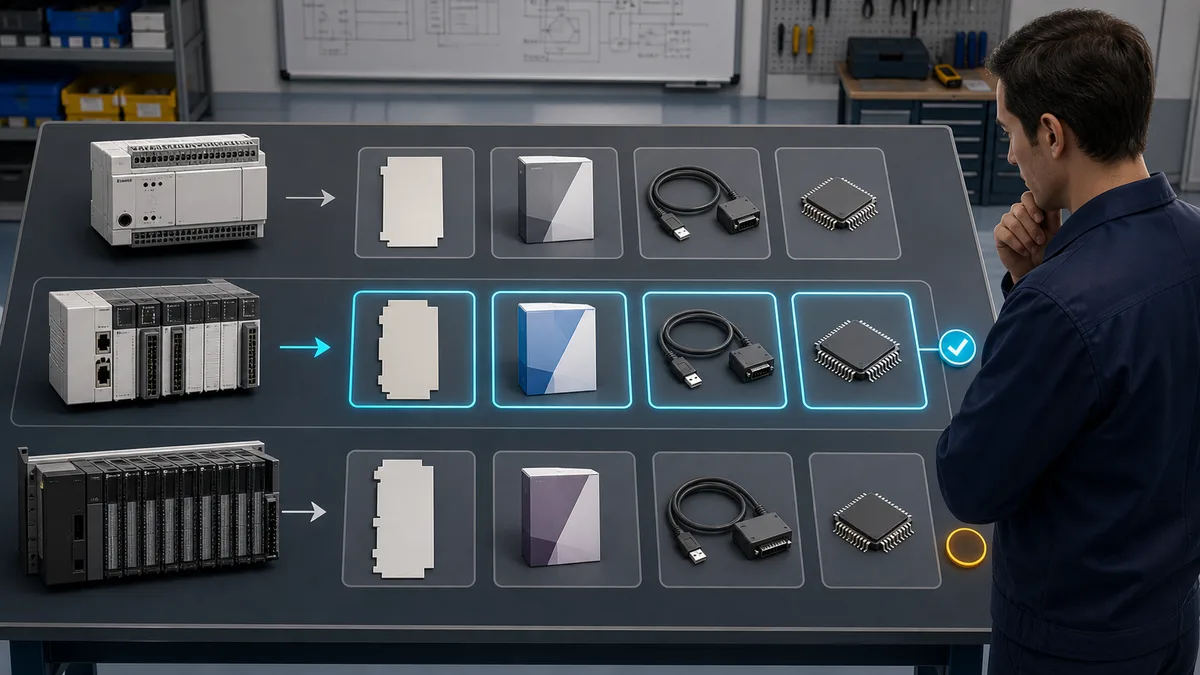
A 45-minute proof-of-fit test
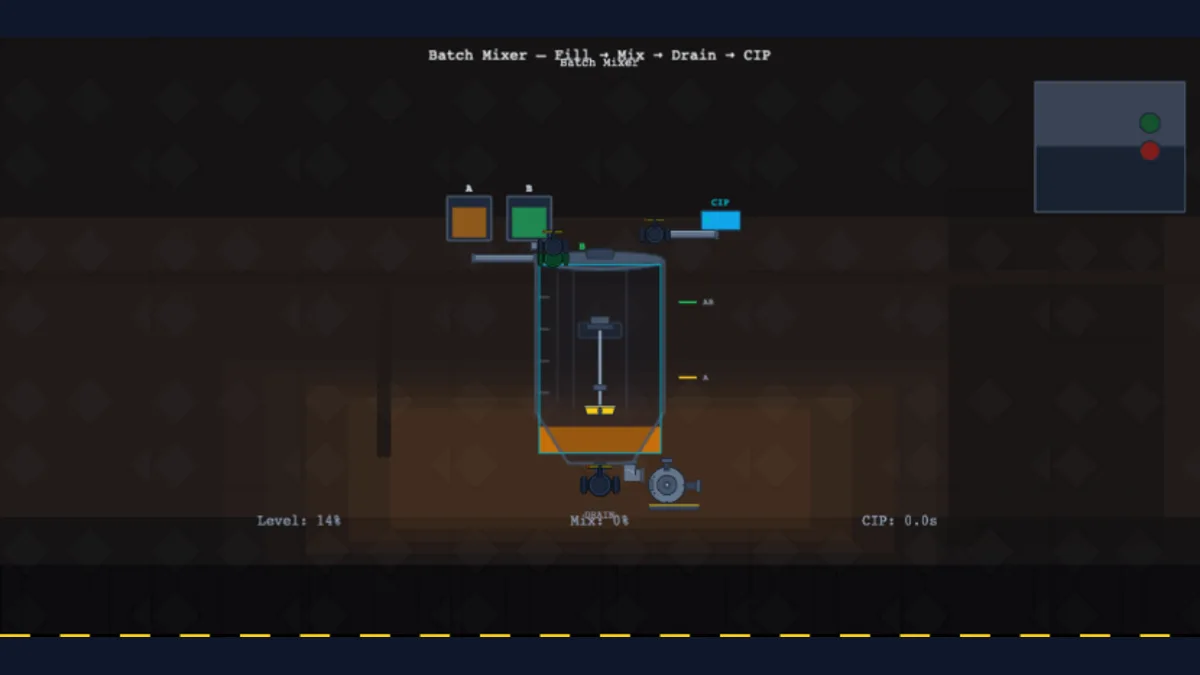
Run the same small motor-and-tank exercise before purchasing a licence or standardising a class around a tool.
Test 1: create and reopen
Create a new project for the intended CPU or runtime. Add one normally open contact, one output coil, one TON timer, an integer setpoint, and an analog value. Save, close, reopen, and archive the project. Pass only if another clean workstation can restore it using documented steps.
Test 2: compile and diagnose
Compile with warnings visible. Introduce one duplicate address and one incompatible data conversion, then confirm that the diagnostics identify both. Remove the faults and retain the clean compile report or screenshot.
Test 3: simulate a sequence
Run this state path:
- start command energises the motor;
- stop command de-energises it;
- overload prevents restart;
- timer enables a downstream output after the preset;
- analog high-high condition drives an alarm;
- reset clears only the latched fault for which the reset permissive is true.
Record observed values and timestamps. “A simulator is included” is not enough; confirm that it executes the instructions and timing behaviour you will teach or test.
Test 4: go online safely
On training hardware or an isolated bench only, confirm the connection path, upload/download direction, online comparison, force indication, and force removal procedure. Never use a production controller as an evaluation target. Safety functions require the vendor's safety lifecycle, supported hardware, and competent review; a standard logic simulation is not a safety validation.
Test 5: export evidence
Export or capture:
- software and release number;
- CPU catalogue number and firmware;
- enabled editions or add-ons;
- compile result;
- test matrix with expected and observed outcomes;
- project archive and restoration steps;
- known limitations.
This evidence makes a later purchasing or training decision auditable.
File compatibility: the most common trap
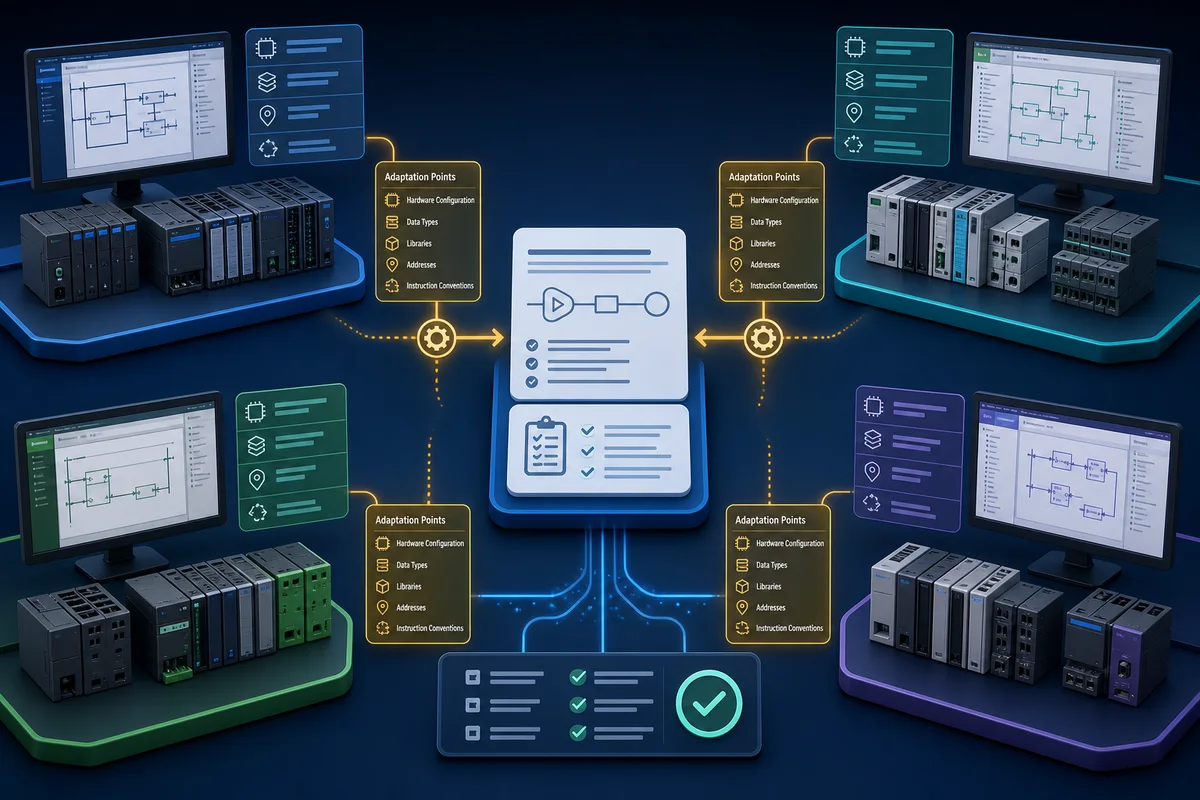
IEC 61131-3 standardises language concepts and elements; it does not make every native project interchangeable. Vendors add instruction names, data structures, hardware configuration, safety signatures, communication objects, and libraries. Even PLCopen XML exchange can require manual adaptation.
Ask these questions before migration:
- Can the destination import the source format, or only plain text and tag lists?
- Which instructions have no direct equivalent?
- How are timers, retentive memory, one-shots, and task scheduling different?
- Will HMI, motion, safety, and network configuration transfer separately?
- Can the original application remain available for online comparison?
Budget migration from a verified block inventory and test plan, not from the number of ladder rungs.
Licence and total-access checklist
For each candidate, capture:
| Item | What to record |
|---|---|
| Engineering edition | Exact product and edition name |
| Activation | Named, node-locked, concurrent, dongle, or other published model |
| Term | Perpetual, subscription, trial, educational, or free development environment |
| Updates | Whether upgrades and support are included, optional, or expired |
| Simulation | Included component, separate product, demo restriction, or external runtime |
| Add-ons | Safety, motion, HMI, source control, libraries, and protocol packages |
| Deployment | Runtime or per-device licence where applicable |
| Compatibility | Supported OS, CPU catalogue, firmware, and project release |
| Quote evidence | Currency, tax treatment, region, reseller, and expiry date |
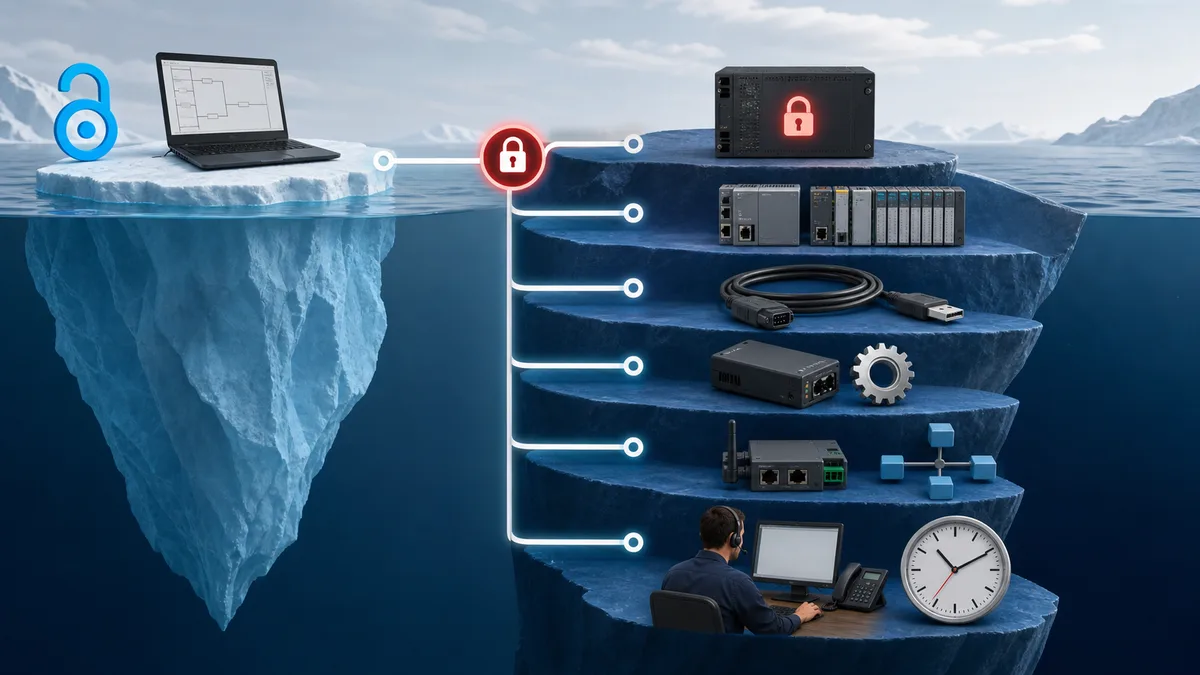
Do not compare a bare editor quote with a bundle containing simulation, safety, HMI, support, and runtimes. They are different scopes.
Best starting path for a learner
If no employer or school has assigned a platform:
- learn contacts, coils, timers, counters, interlocks, and scan behaviour in a browser simulator or a supported free development environment;
- build one complete start/stop/fault-reset exercise and document its test cases;
- repeat the exercise in structured text so the concepts are not tied to one editor;
- move to the vendor environment used by the hardware you can access;
- practise project backup, online comparison, diagnostics, and safe force removal.
Disclosed browser-practice option
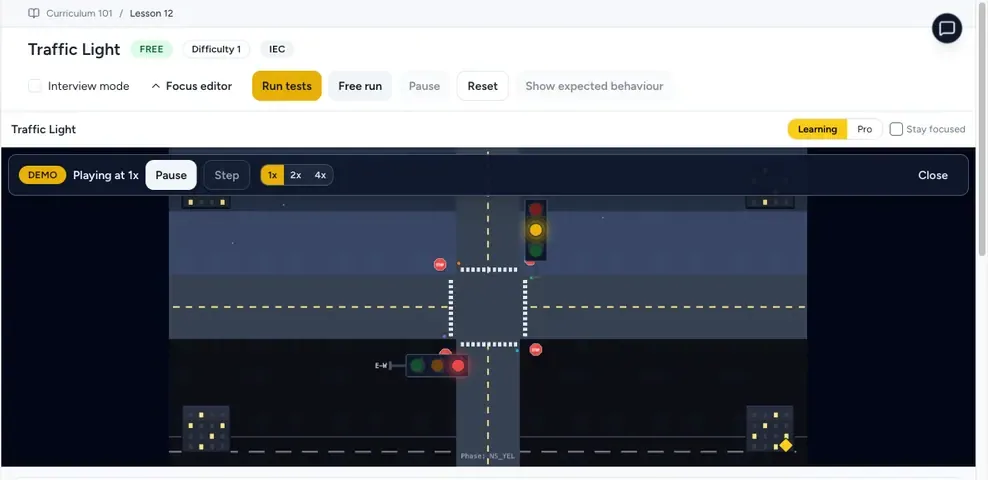
PLC Simulation Software is operated by the same publisher as PLC Programming IO. Its versioned facts currently document 12 core lessons, 6 free lessons per dialect, 8 supported learning dialects and 140 source-catalogued practice records. A free account does not require a credit card and does not expire.
The product is a browser-based learning and prototyping simulator. It is not a production PLC, does not emulate every vendor instruction or firmware behavior, and does not guarantee native vendor project-file export. Use it to repeat the motor-and-tank proof-of-fit exercise, then rebuild and test that behavior in the engineering software, CPU and firmware you will actually support. Inspect the versioned product-facts record before relying on a catalog or access claim.
Decision rules
- Existing machine: use the software release supported by its controller firmware and archived project.
- New machine: select the controller and required lifecycle functions first; price the complete engineering and runtime scope second.
- Training lab: prioritise repeatable reset, visible state, enough instruction coverage, and easy restoration.
- Multi-vendor team: teach shared control concepts, but retain vendor-specific standards, libraries, and test projects.
- Mac, Linux, or Chromebook: verify native operating-system support. If the vendor supports Windows only, document the virtual-machine or remote-workstation boundary before purchasing.
The best PLC programming software is therefore the one that passes the exact controller, project, simulation, diagnostic, handoff, and licence tests for the job. A shorter verified compatibility record is more useful than a longer generic feature list.
Continue Learning
Software Comparisons
Platform Deep-Dives
Frequently Asked Questions
Which PLC software should I buy for learning?
If no controller has been assigned, start with a browser simulator, the free CODESYS Development System, or a supported OpenPLC setup and complete a tested motor-control exercise. Move to a paid vendor environment when a controller, course, or employer requires that platform and release.
What is the difference between free and paid PLC simulators?
Price does not define fidelity. Compare supported instructions, timing, I/O model, hardware configuration, communication drivers, diagnostics, and whether the simulated project is the same project that downloads to the controller. Verify each candidate against a written test matrix.
Can I run TIA Portal or Studio 5000 on a Mac?
Check the current vendor system requirements for the release you need. If macOS is not listed, use a supported Windows workstation, a properly resourced virtual machine where the vendor permits it, or remote access. Validate USB, Ethernet discovery, activation, and backup before relying on that setup.
How much does professional PLC software cost?
There is no durable universal price. Edition, activation type, subscription term, support, safety, motion, HMI, simulation, runtime licences, region, tax, and reseller terms can change the scope. Request a dated quote for the exact controller and required options.
Is there a true all-vendor PLC IDE?
No. CODESYS can program devices for which the correct target package and runtime support exist, but it does not replace the proprietary engineering environment for every PLC. Native projects, hardware configuration, instructions, safety, and diagnostics remain platform-specific.
What is the simplest PLC simulator for getting started?
A browser simulator has the lowest installation friction for basic ladder practice. Simplicity is only useful if it supports the contacts, coils, timers, counters, and fault behaviour in your lesson. For a specific PLC, use the vendor-supported simulator and compatibility matrix.