Best PLC Programming Software 2026: 10 Tools Compared
Compare 10 PLC programming tools by hardware fit, IEC 61131-3 languages, simulation path, licensing visibility, and best use case.
The best PLC programming software is usually the engineering environment required by the controller you will deploy. Siemens users normally need TIA Portal, current Rockwell Logix users need Studio 5000, Mitsubishi users need GX Works3, and Omron NJ/NX users need Sysmac Studio. CODESYS, TwinCAT, OpenPLC, and browser simulators are more useful when the goal is vendor-neutral learning, PC-based control, or practice without production hardware.
Apart from GX Works3, which PLC software is easier to read and debug?
If your controller is a Mitsubishi iQ-F or iQ-R, you still need GX Works3, because the controller decides the tool. If you can choose the platform, these are the tools engineers most often call easier to read and debug (our editorial view, not a lab score):
- CODESYS: tag-based IEC 61131-3 with structured text, online monitoring and a demo runtime for testing without hardware.
- Beckhoff TwinCAT 3: runs inside Visual Studio and supports source control.
- Rockwell Studio 5000: tag-based Logix projects with readable add-on instructions.
All three use named tags instead of raw device addresses, and that is where most of the readability gain comes from.
Which PLC programming software is easiest to learn for a team of engineers?
Choose the software your customers' installed base uses first; "easy" matters less than fit. For shared practice before anyone touches a project:
- CODESYS costs nothing for the IDE.
- A browser simulator gets new hires repeating ladder and structured-text basics with no installs. PLC Simulation Software is our product; PLC Programming and PLC Simulation Software are run by the same team. It also offers team seats.
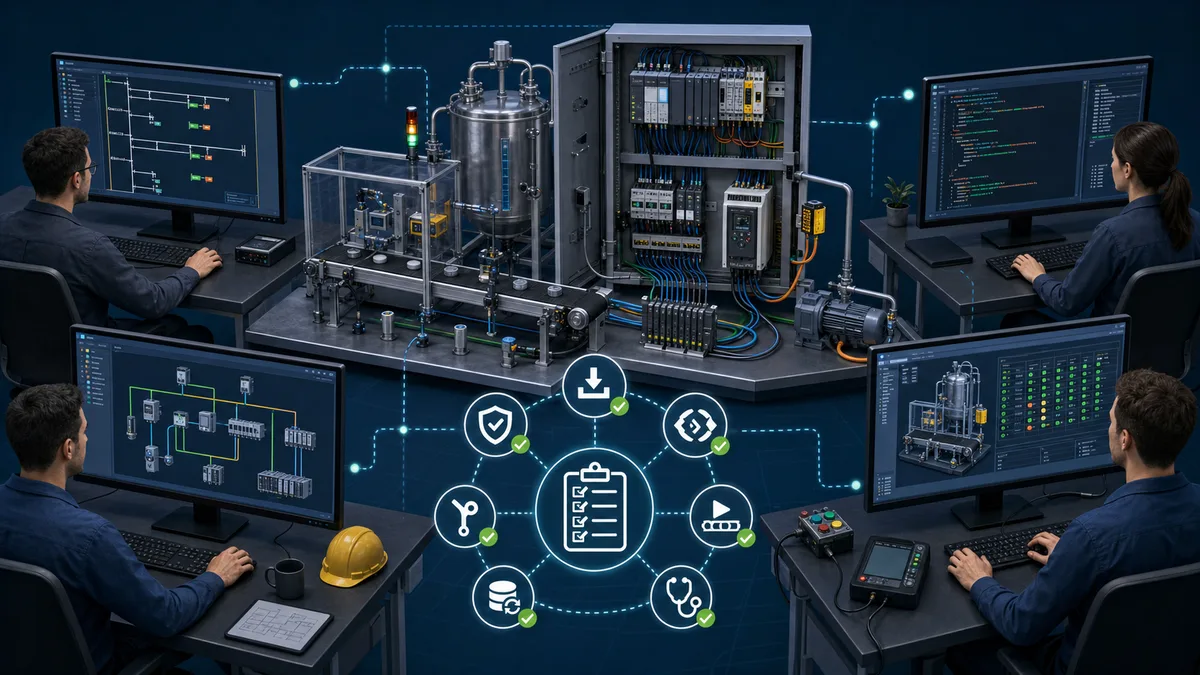
Looking only for no-cost tools? Use the free PLC programming software list for download paths and licence caveats.
Learning-simulator exception — PLC Simulation Software. We include PLC Simulation Software as a browser-based practice companion, but we do not count it among the ten production engineering environments below. Its versioned product facts document the free-account policy, current lesson allowance, maintained dialect list, scenario-access caveat, and limitations. Choose it for learning and prototyping; choose the controller vendor’s supported IDE for hardware configuration, project-file compatibility, download, online diagnostics, safety workflows, and commissioning. Ownership disclosure: plcprogramming.io and PLC Simulation Software are operated by the same publisher.
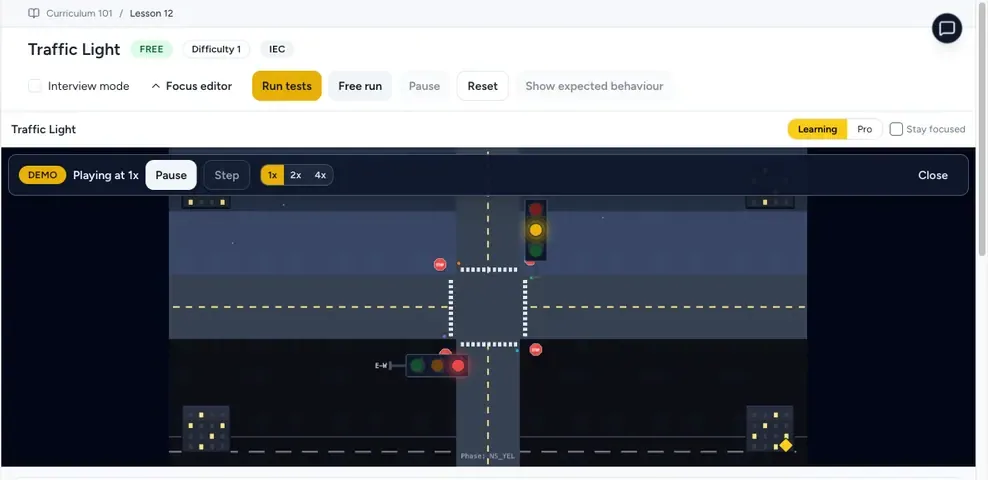
PLC software comparison at a glance
| Tool | Primary hardware or runtime fit | Engineering cost status | Editorial best fit |
|---|---|---|---|
| TIA Portal | Siemens SIMATIC controllers and related devices | Paid editions; options vary | Siemens-standard plants and integrated projects |
| Studio 5000 Logix Designer | Rockwell ControlLogix and CompactLogix families | Paid; edition-dependent | Current Logix projects, especially in North America |
| CODESYS Development System | CODESYS-compatible devices from many vendors | IDE available without charge; runtime licences vary | OEMs and vendor-neutral IEC 61131-3 work |
| EcoStruxure Machine Expert | Supported Schneider Electric machine controllers | Edition and region dependent | Schneider machine-control projects |
| TwinCAT | Beckhoff PC-based control and EtherCAT systems | Engineering and runtime components differ | PC control, motion, and EtherCAT-heavy machines |
| GX Works3 | Supported Mitsubishi MELSEC iQ controllers | Paid; region dependent | Mitsubishi iQ-F and iQ-R projects |
| Sysmac Studio | Supported Omron NJ/NX and related automation products | Paid | Integrated Omron machine automation |
| Automation Builder | ABB AC500 control platform | Edition and region dependent | ABB AC500 projects |
| Automation Studio | B&R control, motion, and HMI platform | Paid | B&R machines with integrated motion |
| PLCnext Engineer | Phoenix Contact PLCnext Control | Manufacturer-provided engineering tool | PLCnext and IEC 61131-3 projects |
| PLC Simulation Software (practice companion; not ranked as an IDE) | Browser-based PLC learning and practice | Non-expiring free account documented; paid tiers also exist | Repeated lessons and scenarios before vendor-specific hardware work |
The order above is an editorial starting point, not a universal leaderboard. Hardware compatibility, installed base, safety approval, support access, and the lifecycle of an existing plant should outweigh a generic rank.
Table of contents
How this comparison was produced
This page is an editorial comparison built from manufacturer product pages and documentation, not a controlled benchmark. It does not claim that every platform was tested on identical hardware, that unnamed engineers scored each tool, or that a private survey determined the order.
Evidence labels used on this page
- Vendor-verified: the linked manufacturer page supports the product scope or feature.
- Licence varies: the tool exists, but edition, runtime, support, or regional pricing must be confirmed with the vendor or distributor.
- Editorial fit: our interpretation of which users are most likely to benefit. It is not a measured performance result.
- Verify for your target: controller firmware, safety options, operating system, and communication modules can change compatibility.
What we compare
We compare six practical selection questions:
- Which controller families can the software configure and program?
- Which IEC 61131-3 languages and vendor extensions are relevant to the target CPU?
- Is simulation built in, separately licensed, hardware-dependent, or absent?
- Can a team maintain the project over its expected plant lifecycle?
- Are the required safety, motion, HMI, drive, and version-control workflows available?
- Is the licensing model visible enough to budget without assuming a made-up price?
We intentionally do not publish numerical scores for compilation speed, reliability, market adoption, support response, or total cost. Those values require a disclosed test rig, repeatable project files, sample sizes, and dated price evidence. Use the proof-of-fit plan later in this guide to collect evidence for your own application.
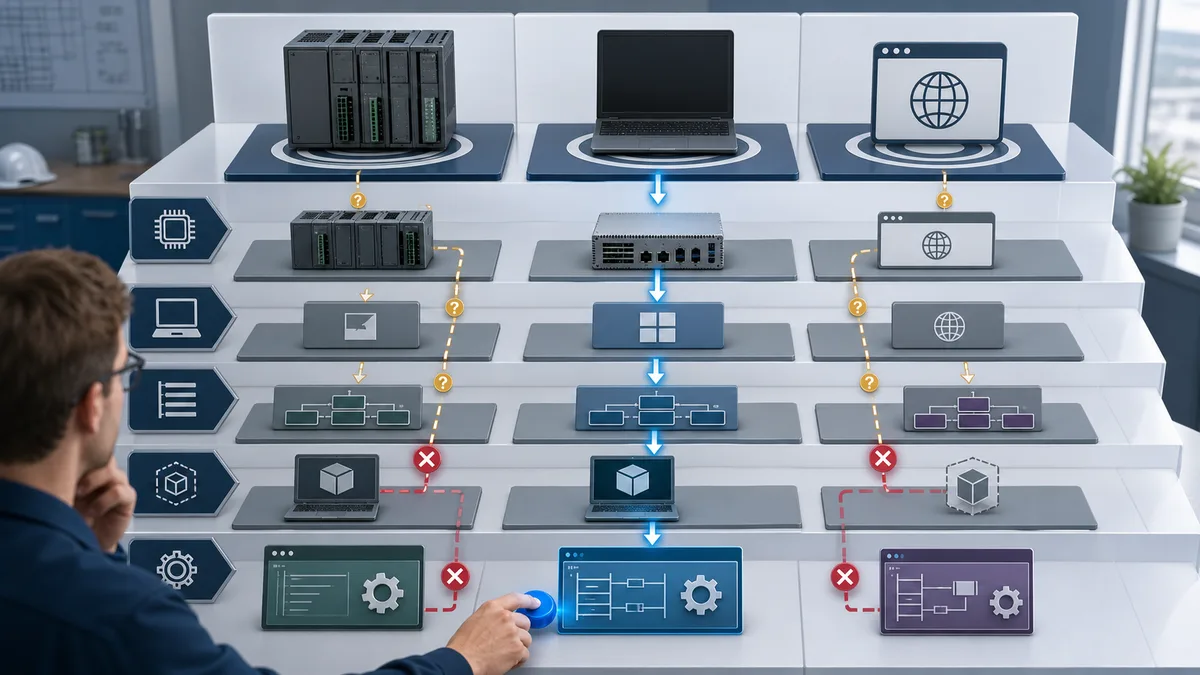
Live mini-lab
Try it: press START, then STOP
A stop-dominant seal-in rung: START latches the motor output through its own contact, and STOP breaks the circuit.
Watch the output lamp: it stays on after START until you press STOP.
Free · no signup to try · runs in your browserOpens plcsimulationsoftware.com — same team
The 10 PLC programming tools
1. Siemens TIA Portal
Editorial fit: Siemens-standard facilities, machine builders delivering SIMATIC projects, and teams that want PLC, HMI, drives, and diagnostics in one engineering family.
Source status: Vendor-verified product scope; licence and option pricing vary.
Siemens describes TIA Portal as its integrated engineering framework for SIMATIC programming, visualization, drive commissioning, simulation, and related automation workflows.
Choose it when:
- The approved controller is a supported SIMATIC CPU.
- The project also uses Siemens HMI, SINAMICS drives, or safety options.
- Existing maintenance staff and archived projects already use the TIA workflow.
- Long-term access to the correct software and project version is part of the support plan.
Validate before committing:
- Exact CPU order number and firmware support.
- Whether STEP 7 Basic or Professional covers the controller family.
- Whether PLCSIM or PLCSIM Advanced is required for the planned test.
- Safety, motion, multi-user, and drive options that may need separate licences.
- Workstation and virtual-machine support for the selected release.
Learning Siemens ladder first? Our related Siemens PLC simulator runs Siemens-style ladder exercises in a browser. It is not PLCSIM and does not open TIA Portal projects.
2. Studio 5000 Logix Designer
Editorial fit: Current ControlLogix and CompactLogix projects, Rockwell-standard plants, and discrete manufacturing built around EtherNet/IP.
Source status: Vendor-verified product scope; paid editions and support contracts vary.
Rockwell Automation’s Studio 5000 page positions Logix Designer within a broader design environment for Logix-based automation.
Choose it when:
- The bill of materials specifies a supported Logix controller.
- The site standard, spares strategy, and maintenance skills are Rockwell-based.
- Integrated motion, safety, drives, and FactoryTalk interoperability matter.
- Online edits and controller diagnostics must follow established Logix procedures.
Validate before committing:
- Controller firmware and software major-version compatibility.
- Which edition includes the languages and add-ons you need.
- The emulator or virtual-controller path for the exact controller generation.
- Activation-server, disconnected-workstation, and disaster-recovery requirements.
- Source-control workflow: exported text, project files, compare tools, and ownership rules.
Learning the instruction set first? Our related Allen-Bradley PLC simulator lets you practise Logix-style ladder instructions in a browser before you have a licence. It is a learning tool, not a Logix emulator, and it does not open .ACD project files.
3. CODESYS Development System
Editorial fit: OEMs supporting several controller vendors, engineers learning IEC 61131-3 concepts, and products built on a CODESYS runtime.
Source status: Vendor-verified development-system scope; device and runtime licensing are separate decisions.
The official CODESYS Development System page documents the IEC 61131-3 engineering environment. Hardware support comes from the controller manufacturer and its device package, not from the IDE name alone.
Choose it when:
- The selected controller explicitly uses a supported CODESYS runtime.
- A machine builder wants a similar engineering model across several hardware suppliers.
- Structured Text, function blocks, libraries, and reusable application architecture are central.
- A soft-PLC or embedded runtime is being evaluated with clear deployment licensing.
Validate before committing:
- Who supplies and supports the device package and runtime.
- Runtime version, fieldbus stack, safety status, and licence ownership.
- Whether visualization, motion, OPC UA, and redundancy are native, optional, or vendor-specific.
- How libraries are signed, versioned, and recovered.
- Whether the customer accepts the chosen runtime vendor and support chain.
4. EcoStruxure Machine Expert
Editorial fit: Schneider Electric machine controllers and machines combining logic, motion, HMI, and drives in the Schneider ecosystem.
Source status: Vendor product family; controller and regional licence details require verification.
Use the Schneider Electric Machine Expert product page to confirm the current engineering product and supported controller range.
Choose it when:
- A supported Schneider machine controller is already specified.
- The project uses Schneider motion, drives, HMI, or machine libraries.
- The OEM wants one support relationship for the machine-control stack.
Validate before committing:
- Whether Machine Expert, Control Expert, or another Schneider tool matches the CPU.
- Version compatibility for controller firmware, HMI, drive, and library packages.
- Simulation coverage versus functions that require physical hardware.
- Regional download, activation, and support arrangements.
5. Beckhoff TwinCAT
Editorial fit: PC-based control, EtherCAT systems, high-axis-count motion, and teams comfortable combining automation with software-engineering practices.
Source status: Vendor-verified platform scope; runtime functions are licensed by component.
The official TwinCAT overview describes Beckhoff’s PC-based control platform and modular function families.
Choose it when:
- The architecture is built around a Beckhoff industrial PC or supported runtime target.
- EtherCAT topology, distributed clocks, and integrated motion are core requirements.
- The team can manage operating-system, runtime, and automation-code lifecycle together.
- Source control and modular software design are explicit engineering goals.
Validate before committing:
- Real-time runtime compatibility with the target PC and operating system.
- Required function licences for PLC, motion, CNC, vision, safety, or analytics.
- EtherCAT device files and third-party device commissioning.
- Recovery images, update policy, and separation of Windows and control-runtime risk.
6. Mitsubishi Electric GX Works3
Editorial fit: Supported MELSEC iQ-F and iQ-R controllers and facilities standardized on Mitsubishi Electric.
Source status: Vendor-verified product; paid licence and regional support vary.
The Mitsubishi Electric GX Works3 page is the primary place to confirm supported controller families and engineering functions.
Choose it when:
- The PLC order number belongs to a GX Works3-supported family.
- Existing code, devices, training, and spares are Mitsubishi-based.
- The project uses Mitsubishi motion, network, or HMI components that benefit from native integration.
Validate before committing:
- Whether legacy hardware requires GX Works2 or GX Developer instead.
- CPU firmware, module profiles, and network configuration support.
- Simulator coverage for special modules, motion, and communications.
- Regional licence, update, and technical-support access.
For a practical workflow, see the Mitsubishi PLC programming tutorial.
7. Omron Sysmac Studio
Editorial fit: Omron NJ/NX machine automation, especially projects combining logic, motion, safety, and vision.
Source status: Vendor-verified product family; licence and target compatibility vary.
Use the official Omron Sysmac Studio catalogue to check supported products and current ordering information.
Choose it when:
- The machine uses supported Omron NJ/NX controllers or related Sysmac devices.
- Coordinated motion, safety, vision, and controller variables share one architecture.
- The OEM and end user both have Omron support capability.
Validate before committing:
- Controller, safety CPU, servo, and vision-device versions.
- Which edition or licence covers the selected devices.
- Simulator limits for motion, networks, and hardware-specific behavior.
- Project-file recovery and software-version retention.
8. ABB Automation Builder
Editorial fit: ABB AC500 PLC projects and systems that benefit from ABB controller, safety, drive, and panel integration.
Source status: Vendor-verified platform; edition, package, and regional terms vary.
ABB’s Automation Builder page is the source of record for the current AC500 engineering offering.
Choose it when:
- The control platform is a supported AC500 family.
- ABB drives, safety components, or panels are part of the architecture.
- A single vendor workflow is more valuable than a hardware-neutral IDE.
Validate before committing:
- CPU generation, firmware, device-package, and library compatibility.
- Safety engineering requirements and approvals.
- Simulation coverage and hardware-in-the-loop needs.
- Upgrade rights and access to archived software versions.
9. B&R Automation Studio
Editorial fit: B&R machines that combine PLC logic, motion, safety, robotics, and visualization.
Source status: Vendor-verified product; licensing and supported targets require a quote or distributor confirmation.
The B&R Automation Studio overview describes the integrated engineering platform.
Choose it when:
- B&R hardware is already selected for the machine.
- Motion and deterministic machine sequences are a major part of the application.
- The OEM can support the complete B&R software and hardware lifecycle.
Validate before committing:
- Target generation and Automation Runtime compatibility.
- Required motion, safety, HMI, and connectivity packages.
- Simulation and virtual-commissioning scope.
- Regional training, support, and replacement-hardware availability.
10. Phoenix Contact PLCnext Engineer
Editorial fit: PLCnext Control projects, IEC 61131-3 programming, and systems that combine conventional PLC logic with PLCnext components.
Source status: Vendor-verified product; verify target and feature support.
Use the official PLCnext Engineer product page rather than assuming the older PC WORX tool supports a current controller.
Choose it when:
- A supported PLCnext Control is specified.
- The team wants IEC 61131-3 engineering within the PLCnext ecosystem.
- The design uses PLCnext libraries, apps, or supported higher-level integrations.
Validate before committing:
- Exact controller and firmware support.
- Fieldbus, safety, visualization, and library requirements.
- Which functions require additional packages or licences.
- Migration requirements for legacy PC WORX projects.
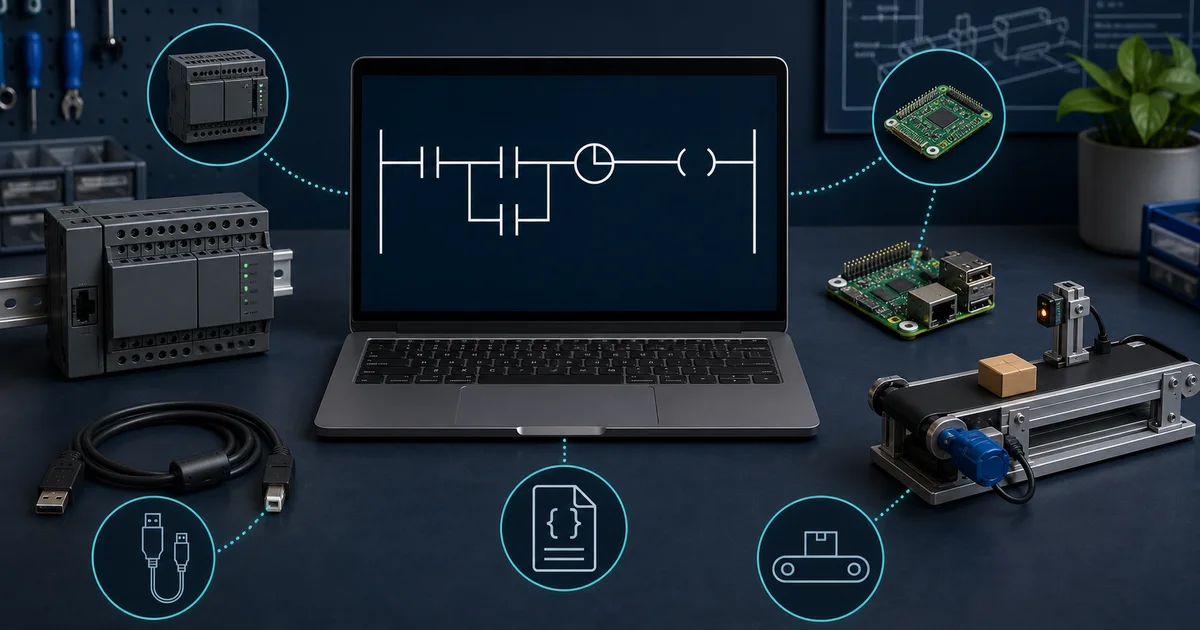
Which tool fits each use case?
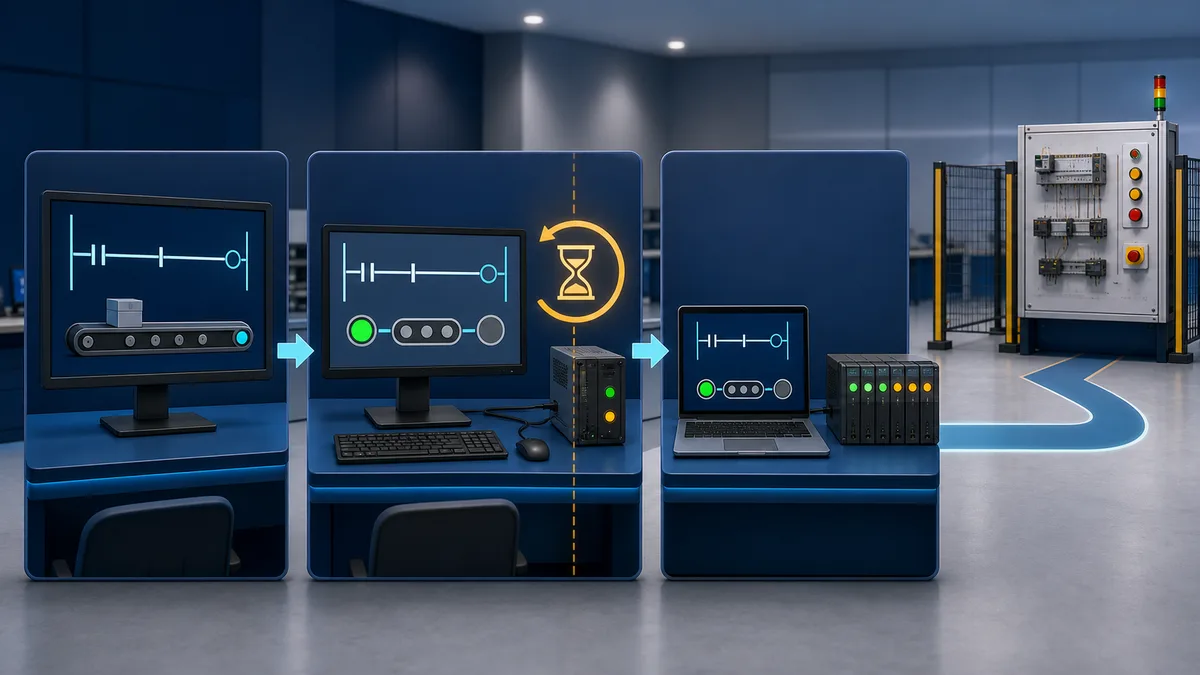
Learning PLC programming without hardware
Start with a simulator that makes scan behavior, contacts, coils, timers, counters, and fault finding visible. PLC Simulation Software is our related browser learning product and reduces installation friction; OpenPLC or CODESYS can then expose a fuller IEC 61131-3 workflow. Vendor software becomes essential when you need job-specific project formats, hardware configuration, online diagnostics, safety workflows, or commissioning.
A plant with an established controller standard
Use the native engineering tool unless a documented migration justifies changing the controller ecosystem. Existing spares, safety procedures, technician familiarity, archived source files, and support contracts can be more valuable than a tool’s standalone feature list.
A machine builder serving different customers
CODESYS can reduce conceptual differences across compatible targets, but it does not erase hardware-specific engineering. Device descriptions, fieldbus configuration, safety, motion, libraries, and runtime support still vary by controller vendor. Keep each customer’s accepted hardware and support path explicit.
Motion-intensive machinery
Shortlist the platform that natively supports the selected servo system and safety architecture. TwinCAT, Studio 5000, Sysmac Studio, TIA Portal, and Automation Studio can all be sensible in the right ecosystem. Run the representative axis count, camming, homing, fault-recovery, and safety sequence in a pilot before choosing.
Safety-related control
Do not select a safety platform from a generic software ranking. Start from the required performance level or SIL, approved hardware, certified function blocks, validation process, and competent-person responsibilities. Confirm the exact safety toolchain and firmware combination with the manufacturer.
Feature and evidence matrix
This matrix shows selection paths, not performance scores.
| Tool | Native ecosystem | Vendor-neutral learning value | Simulation path | Pricing visibility | Evidence status |
|---|---|---|---|---|---|
| TIA Portal | Siemens | Medium | Product/option dependent | Edition prices vary | Official product page linked |
| Studio 5000 | Rockwell Logix | Medium | Product/option dependent | Quote/reseller dependent | Official product page linked |
| CODESYS | Multi-vendor runtimes | High | IDE/runtime dependent | IDE and runtime separated | Official product page linked |
| Machine Expert | Schneider | Medium | Controller/function dependent | Region dependent | Official catalogue linked |
| TwinCAT | Beckhoff | High | Local runtime and licences | Modular runtime licences | Official product page linked |
| GX Works3 | Mitsubishi | Medium | Hardware/function dependent | Region dependent | Official product page linked |
| Sysmac Studio | Omron | Medium | Device/function dependent | Region dependent | Official catalogue linked |
| Automation Builder | ABB AC500 | Medium | Target dependent | Edition dependent | Official product page linked |
| Automation Studio | B&R | Medium | Target dependent | Quote/distributor dependent | Official product page linked |
| PLCnext Engineer | PLCnext | High | Target dependent | Vendor download/terms | Official product page linked |
“Supported” is not binary at platform level. Confirm the exact controller, firmware, software build, language, fieldbus, safety package, motion option, and operating system.
How to run your own proof-of-fit
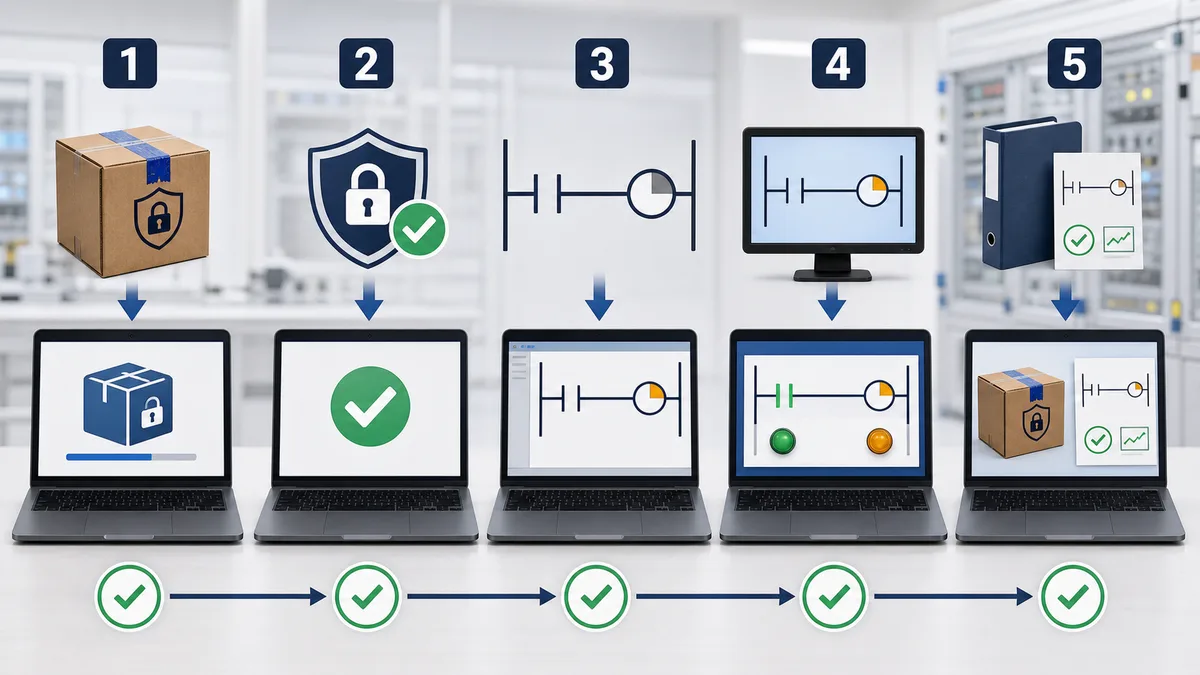
A small, disclosed pilot is more reliable than a generic 94/100 score. Build one representative project and record the results.
Use the same acceptance project for every candidate
Include:
- A motor starter with permissives, interlocks, trip memory, reset, and clear diagnostics.
- One analog input with engineering-unit scaling, bad-quality handling, and alarm limits.
- A sequence with manual, automatic, paused, faulted, and recovery states.
- A reusable function block or add-on instruction with documented inputs and outputs.
- A simulated communication loss and restart from retained data.
- A version-controlled change that another engineer can review and restore.
Record evidence instead of impressions
| Test | Evidence to save | Pass condition |
|---|---|---|
| Install and licence | Installer, licence steps, elapsed engineer time | Repeatable on a clean workstation |
| Import device definitions | Device files and warnings | All target modules recognized |
| Build | Project file, diagnostics, build log | No unexplained warnings |
| Simulate | Test script and result | Required logic can be exercised |
| Online change | Change record and recovery plan | Meets the plant’s change procedure |
| Version comparison | Before/after artifact | Reviewer can identify logic changes |
| Restore | Backup and clean restore record | Project opens and connects as expected |
| Handover | Bill of materials and software list | Maintainer can reproduce the environment |
Do not compare compile times unless the same workstation, project, cache state, and measurement method are disclosed. Do not compare reliability from a short demo; collect crash, recovery, and corruption incidents during a representative evaluation period.
Cost and lifecycle checklist
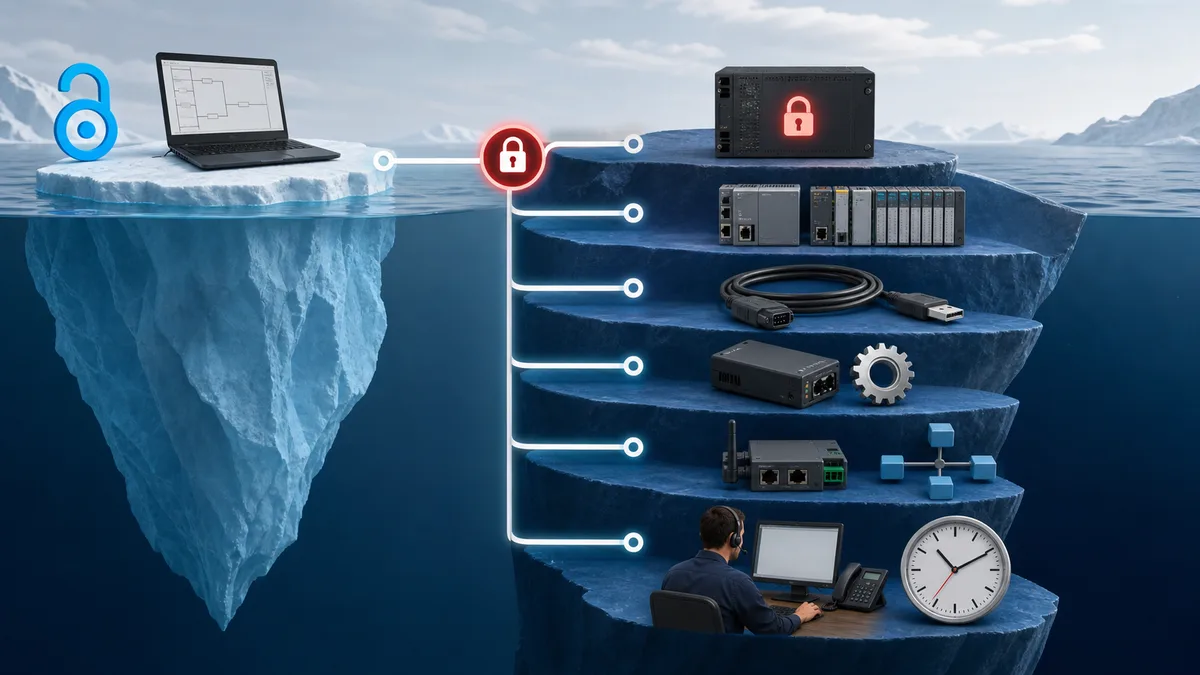
The IDE purchase price is only one line in the cost model. Request a written bill of materials that separates:
- Engineering-seat licence and concurrent-user rules.
- Runtime, controller, motion, safety, visualization, historian, and communication licences.
- Simulation or virtual-controller licences.
- Annual support, updates, and major-version upgrade rights.
- Training, certification, and travel.
- Activation server, offline activation, and replacement-workstation procedure.
- Virtual-machine rights and supported operating systems.
- Test hardware and spare parts.
- Migration or conversion of existing projects and libraries.
- Validation, cybersecurity review, backup, and disaster recovery.
- Time needed to train maintenance staff and document the final toolchain.
Calculate your own scenario:
lifecycle cost = licences + options + support + training + test hardware + engineering migration + validation + expected upgrade work
Keep currency, region, quote date, tax, reseller, and maintenance period beside every number. A price without that context should not drive a long-lived controls decision.
Frequently asked questions
What is the best PLC programming software for beginners?
For concepts, use a simulator with clear ladder execution and guided exercises. CODESYS and OpenPLC can add IEC 61131-3 exposure. For employment, learn the native tool used by the controllers in your target industry or region.
Is CODESYS free?
The CODESYS Development System can be downloaded without an IDE purchase, but deployable runtimes, fieldbuses, visualization, safety, motion, or vendor support may have separate terms. Check the target manufacturer and CODESYS Store before budgeting.
Is TIA Portal better than Studio 5000?
Neither is universally better. TIA Portal fits supported Siemens systems; Studio 5000 fits supported Logix systems. Compare the complete hardware ecosystem, safety and motion requirements, installed base, local support, and lifecycle—not only the editor.
Can one tool program every PLC brand?
No. IEC 61131-3 standardizes programming-language concepts, not one universal project format or download protocol. CODESYS supports many compatible runtimes, but each target still needs the correct device package and vendor support.
Which PLC software has the best simulator?
“Best” depends on what must be simulated. Basic logic practice, controller-accurate execution, motion, fieldbus, HMI, process physics, and virtual commissioning are different requirements. List the behaviors you must prove, then test the vendor’s simulator against that list.
Should I learn Ladder Diagram or Structured Text first?
Learn enough Ladder Diagram to read maintenance logic, then add Structured Text for algorithms, data handling, and reusable code. Also understand Function Block Diagram and state-based sequencing. The PLC programming languages guide compares the main IEC 61131-3 languages.
How do I avoid software-version lockout?
Archive the installer, licence procedure, device packages, libraries, controller firmware, project files, checksums, virtual-machine image where permitted, and a tested restore document. Review vendor terms before storing installers or transferring activations.
Final recommendation
Start with the controller and lifecycle requirements, not the ranking:
- Remove every tool that cannot support the exact CPU, firmware, safety, motion, and communication stack.
- Run the same proof-of-fit project on the remaining candidates.
- Obtain written, dated licensing and support terms.
- Score the evidence using weights agreed by engineering, maintenance, IT/OT security, purchasing, and operations.
- Record why the selected platform won and which assumptions must be rechecked at the next upgrade.
For a hardware-free starting point, open the PLC simulator and work through a complete ladder-logic scenario before committing to a vendor ecosystem.
Now run it · free · no signup
Skip the installer and run PLC logic now
Run one guided program in your browser without an account or card, then create a free account when you want the practice library.
Ownership disclosure: PLC Programming IO and PLC Simulation Software are operated by the same publisher.
