MicroLogix PLC: Family, Models, Software and Migration
Identify an Allen-Bradley MicroLogix PLC, compare the 1000, 1100, 1200, 1400 and 1500 families, recover its project, plan support and decide when migration is justified.
Review status: Editorially reviewed against current Rockwell Automation product, lifecycle, selection, controller-manual and Micro800 migration material on 2026-08-30; verify the exact catalog number, series, firmware, software entitlement, regional lifecycle status, electrical drawings and risk controls before field work
Direct answer
MicroLogix is an Allen-Bradley family of small programmable logic controllers, not one interchangeable PLC. The name spans several hardware architectures: Bulletin 1761 MicroLogix 1000, Bulletin 1762 MicroLogix 1200, Bulletin 1763 MicroLogix 1100, Bulletin 1764 MicroLogix 1500 and Bulletin 1766 MicroLogix 1400. They share an RSLogix 500-era programming model, but differ in embedded I/O, expansion, networking, memory, high-speed functions, physical terminals and lifecycle state.
Identify the complete catalog number and series before choosing software, a cable, an I/O replacement or a migration target. As of this page's 2026-08-30 review, Rockwell's current pages describe MicroLogix 1100 and 1200 controllers as discontinued and list current MicroLogix 1400 catalog examples as Active Mature. That is not permission to apply one status to the whole family: lifecycle is catalog-number, region and date specific.
For an installed MicroLogix PLC, the first valuable project is usually recovery: preserve the program and live data where supported, exact software and firmware versions, passwords, network parameters, electrical drawings, I/O inventory, HMI references and tested spare strategy. Then decide whether to retain, repair or migrate from evidence. A Micro800 or CompactLogix target can be appropriate, but neither is a drop-in replacement for MicroLogix wiring, addresses, instructions, communications or runtime behavior.
What this guide owns—and what stays separate
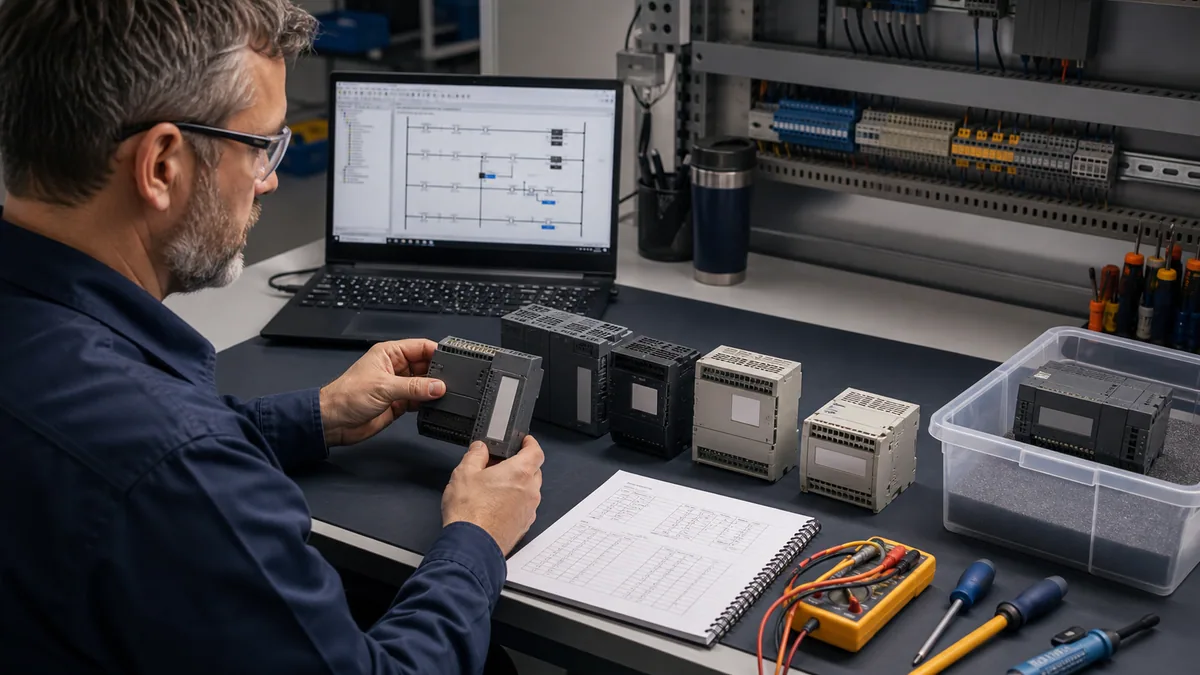
This page is the family owner. It answers which MicroLogix platform is installed, how the major families differ, which evidence keeps an installed controller supportable and how to frame a migration. It does not pretend to be a catalog-specific wiring drawing or a substitute for the manufacturer's current manual.
The MicroLogix 1400 tutorial owns Bulletin 1766 hardware variants, RSLogix 500 project handling, addressing, Ethernet connection, fault isolation and model-specific migration depth. The Allen-Bradley PLC programming guide owns cross-platform Rockwell programming concepts. The Allen-Bradley controller overview compares the wider brand portfolio.
| Reader task | Canonical owner | Boundary |
|---|---|---|
| Identify and compare MicroLogix families | this guide | Bulletin, architecture, lifecycle, recovery and migration triage |
| Work on a MicroLogix 1400 | MicroLogix 1400 tutorial | Bulletin 1766 hardware, software, Ethernet, I/O and faults |
| Learn Allen-Bradley programming across platforms | Allen-Bradley programming guide | RSLogix/Studio 5000 concepts and workflow |
| Select across the Allen-Bradley portfolio | Allen-Bradley controller overview | Micro800, CompactLogix, ControlLogix and legacy families |
| Confirm one terminal or electrical rating | exact Rockwell publication | catalog-, series- and revision-specific authority |
Identify the MicroLogix before connecting
Record the entire identity string
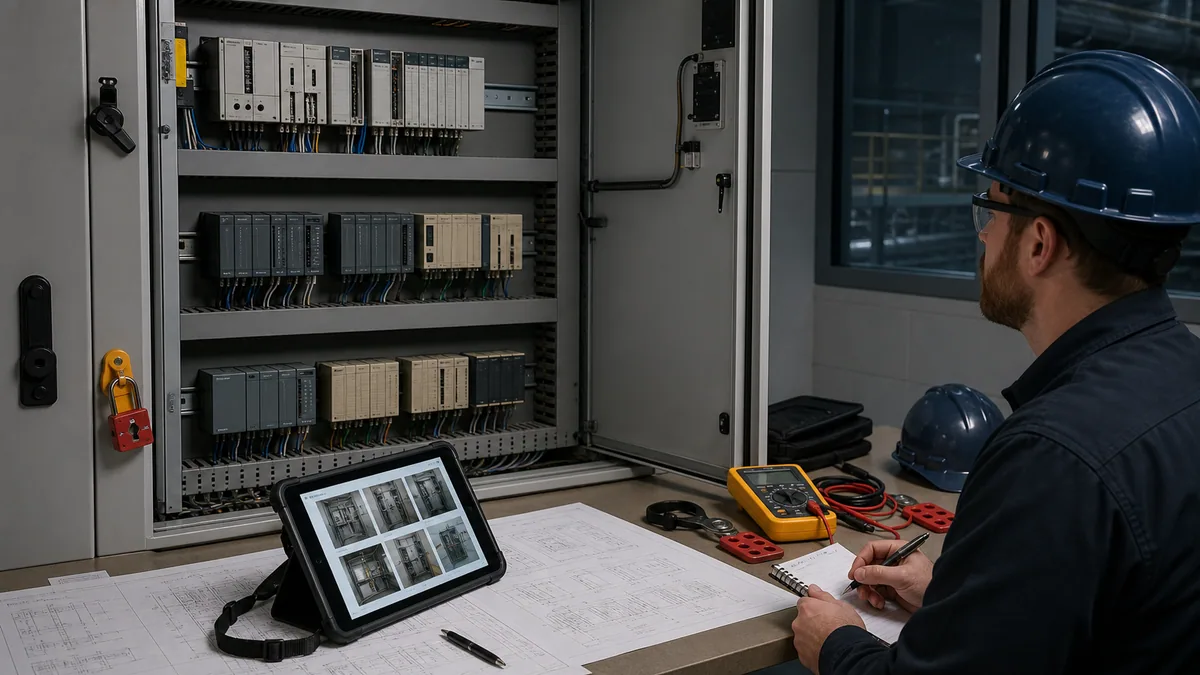
Read the nameplate with the enclosure closed or the system in an approved safe state. Capture manufacturer, family, complete catalog number, series, revision, power type and any processor/base identifiers. Photograph the controller and every expansion module so terminal labels and physical order remain visible. Do the same for communication adapters, operator terminals and power supplies.
Do not identify a controller from case color, LCD shape or the first four catalog digits. A suffix can change supply voltage, input voltage, output technology and embedded analogue I/O. A MicroLogix 1500 also separates processor and base decisions in a way that a fixed-base family does not. The same-looking spare can therefore be electrically or functionally wrong.
Inventory the system, not only the processor
A supportable record includes the controller, expansion I/O in physical order, connected networks, HMI, drives, remote devices, special modules, terminal numbers, power sources and grounding arrangement. Record the running machine's mode and normal LED state. If an upload is authorized, preserve the project before experimenting with drivers or firmware.
| Identity field | Where to obtain it | Why it matters | Common failure if omitted |
|---|---|---|---|
| full controller catalog | product label and approved asset record | selects hardware, manual and electrical characteristics | wrong spare or wrong wiring assumption |
| series and revision | label, online identity and project | affects compatibility and supported behavior | project will not open, connect or download as expected |
| processor and base | label and physical inspection | critical on architectures with separate components | incomplete replacement list |
| expansion order | cabinet inspection and project configuration | determines I/O mapping and replacement scope | correct module in wrong position |
| software/version | engineering workstation and archived installer evidence | required to reproduce access | backup exists but cannot be opened or downloaded |
| communications | port inspection, network plan and project | determines safe connection method | unintended network conflict or failed access |
| live data/recipes | approved upload and application review | project source may not contain current values | recovered machine starts with stale parameters |
MicroLogix 1000, 1100, 1200, 1400 and 1500 compared
The table is an orientation map, not a replacement selector. Exact I/O counts, electrical types, memory, functions and lifecycle must be checked for the complete catalog in Rockwell's current selection guide, lifecycle tool and manual.
| Family | Bulletin | Architectural cue | Expansion/network cue | Installed-base implication |
|---|---|---|---|---|
| MicroLogix 1000 | 1761 | small fixed controller with embedded I/O | limited architecture; catalog-specific serial communication | treat as a recovery and migration-planning asset; verify exact cable and protocol |
| MicroLogix 1100 | 1763 | compact controller with LCD and embedded Ethernet | embedded I/O plus supported expansion arrangement | Rockwell currently calls the family discontinued; archive before failure |
| MicroLogix 1200 | 1762 | embedded controller intended for more I/O flexibility than 1000 | 1762 expansion family; communications depend on configuration | Rockwell currently calls controllers discontinued; distinguish remaining module availability from CPU status |
| MicroLogix 1400 | 1766 | LCD, Ethernet and higher embedded I/O count | Rockwell states support for up to seven 1762 expansion modules | current catalog examples are Active Mature as reviewed; exact catalog status still governs |
| MicroLogix 1500 | 1764 | processor/base architecture | larger installed-base configurations and catalog-specific expansion | processor/base identification and data recovery are both essential; many parts are discontinued |
MicroLogix 1000: recover before the only workstation disappears
The 1000 is commonly encountered on small stand-alone machines with compact I/O and serial access. Its simplicity does not make recovery automatic. The project may live on one old laptop, the correct serial interface may be missing, and online data may never have been archived. Record the exact controller and communication setup, then prove a read-only connection plan in a controlled window. Do not start with a download or firmware action.
MicroLogix 1100: Ethernet does not remove version risk
The 1100's LCD and embedded Ethernet can make access easier than older serial-only installations, but connectivity is not compatibility. A successful ping does not prove that the engineering software supports the controller, that the project matches the running logic or that an online change is authorized. Rockwell's current product page says Bulletin 1763 controllers are discontinued and directs customers toward Micro800 migration. That strengthens the recovery case; it does not force immediate replacement of every healthy installation.
MicroLogix 1200: separate controller status from 1762 module status
Rockwell's current controller page says Bulletin 1762 MicroLogix 1200 controllers are discontinued. Some 1762 expansion products can have different lifecycle states. Never infer that a system is fully supported because one compatible-looking I/O module remains orderable, or that every module is obsolete because the controller family is discontinued. Search each material item.
MicroLogix 1400: the current installed-base bridge
Rockwell describes Bulletin 1766 as building on MicroLogix 1100 with Ethernet, online editing, LCD, higher I/O count, enhanced networking and expansion through as many as seven 1762 modules. The current US product page lists several controller catalogs as Active Mature on the review date. That makes the 1400 a distinct support case, but “Active Mature” is not the same as a greenfield recommendation or an indefinite supply guarantee.
MicroLogix 1500: identify processor and base together
The 1500 uses a processor/base architecture, so “replace the PLC” is underspecified. Record processor, base, expansion, memory, communications and electrical terminals. Rockwell product records for examples such as 1764-LRP and 1764-24AWA state discontinued status. A tested spare base without the correct processor—or a processor without recovered application data—does not constitute a recovery plan.
Live mini-lab
Try it: press START, then STOP
A stop-dominant seal-in rung: START latches the motor output through its own contact, and STOP breaks the circuit.
Watch the output lamp: it stays on after START until you press STOP.
Free to start · runs in your browserOpens plcsimulationsoftware.com — same team
Software and programming boundaries
RSLogix 500 is the family context, not a universal entitlement
MicroLogix controllers are associated with the RSLogix 500 programming environment, but editions and versions have different controller coverage, activation, operating-system support and firmware compatibility. Rockwell has offered Micro-specific and limited no-cost editions at different times. Do not assume the word “Micro” or “Lite” means the installed controller is supported. Verify the exact controller and software pair in current official compatibility information.
The project also uses an address-based data model familiar from SLC 500 systems: input/output image references, binary files, timers, counters, integer files, control structures and status data. The exact address map and supported instructions depend on the controller and configuration. Preserve symbols, comments and documentation because a bare processor upload may not recover every piece of engineering context.
A compatible project requires more than a file extension
Record the original file, a verified copy, project checksum where available, last approved change, software edition/version, activation evidence, controller catalog/series/firmware, communication driver and any conversion messages. Open a copy on a controlled engineering workstation before the outage. If conversion occurs, preserve the original and document what changed.
| Compatibility layer | Question to answer | Evidence |
|---|---|---|
| controller | what exact catalog, series and firmware is installed? | label, online identity, asset record |
| software | which edition/version supports that target? | official compatibility data and licensed installer record |
| project | does the archive match the running application? | upload/compare evidence and change history |
| communications | which physical interface, driver and route are approved? | drawing, driver configuration and isolated test |
| data | which values are live, retentive, recipe-driven or HMI-written? | data-table archive and restart test |
| recovery | can another workstation open, connect and restore safely? | witnessed recovery rehearsal |
Build a recovery package before troubleshooting
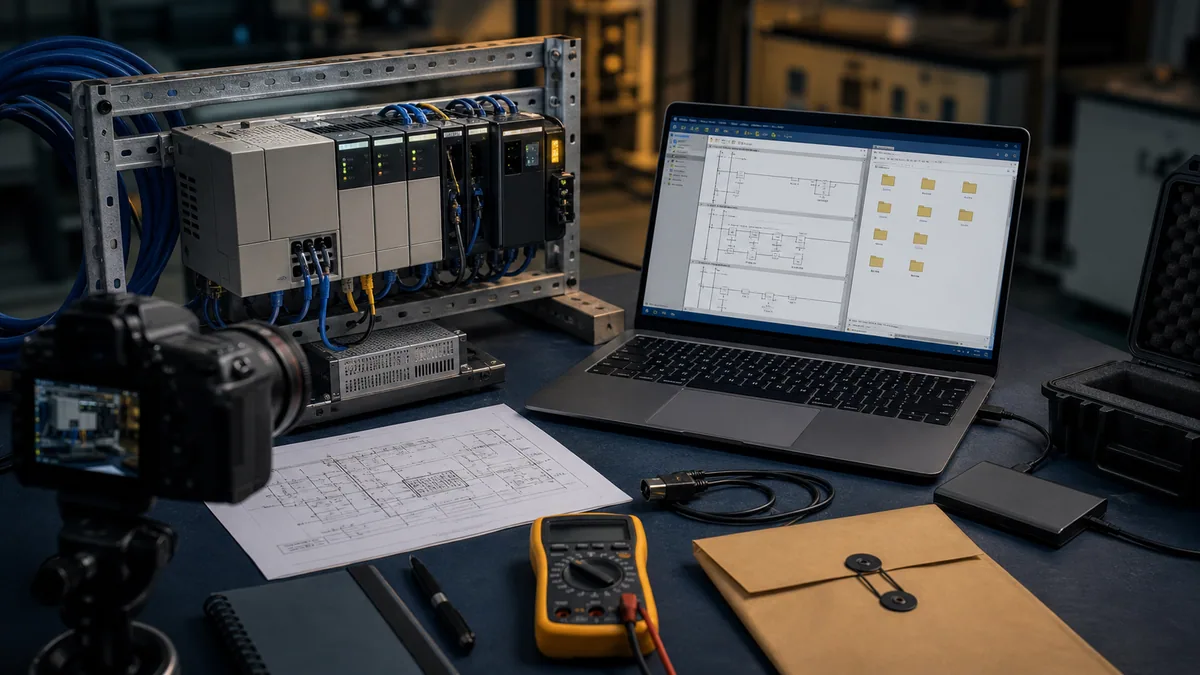
A recovery package is more than the .RSS project. It should let a competent authorized engineer reconstruct the access path, understand the installation and make a controlled restore decision without relying on one person's memory.
Archive the original project read-only, an approved working copy, controller identity, software installer/source and license entitlement, firmware information, communication drivers, network addressing, passwords under appropriate control, data tables and recipes where permitted, HMI project, drawings, I/O list, module order, panel photographs, spare inventory, last known-good date, change log and recovery procedure. Store at least one copy outside the engineering laptop and test that it can be opened.
| Recovery artifact | Minimum useful content | Verification |
|---|---|---|
| project archive | original plus approved working copy | open without modifying the original |
| identity manifest | controller, series, revision, firmware, module order | reconcile label, project and online identity |
| data snapshot | retentive values, recipes, setpoints and source | compare after a planned restart or restore rehearsal |
| engineering environment | software version, activation, driver, OS/VM policy | connect in a controlled test without uncontrolled updates |
| electrical record | supply, I/O commons, terminals, field devices, drawing revision | field walkdown and discrepancy log |
| network record | IP/serial parameters, peers, protocol roles, ownership | isolated connectivity test and duplicate-address check |
| restore plan | authority, prerequisites, rollback, stop rules, acceptance | witnessed tabletop and bench rehearsal |
Decide whether to retain, repair or migrate
Retain when risk is controlled, not merely because it still runs
Retention can be rational when the machine is stable, backups are recoverable, authorized expertise exists, tested spares cover credible failures, cybersecurity exposure is controlled and the business can tolerate the expected repair interval. Put an inspection and recovery-test cadence around that decision. “It has run for twenty years” describes history, not future recoverability.
Repair when the failure boundary is understood
A repair plan should identify the failed replaceable unit and preserve evidence before power cycling or swapping parts. Confirm power quality, wiring, removable terminal state, network settings, series compatibility and application recovery. A repaired or refurbished controller still requires an acceptance test; a green status LED alone does not prove I/O polarity, retained data, communications, timing or sequence behavior.
Migrate when supportability or business risk crosses a threshold
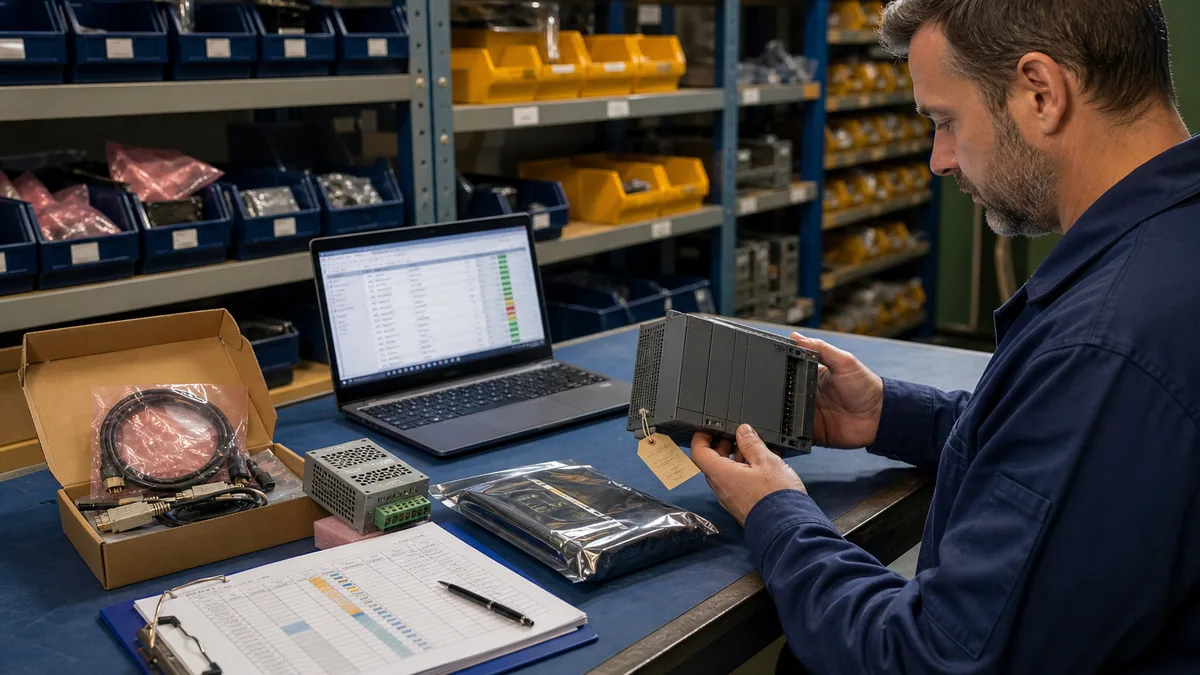
Migration becomes more compelling when the project cannot be recovered, the only workstation is failing, exact spares are unavailable or untested, security exposure cannot be bounded, production downtime is unacceptable, process changes exceed the legacy platform, or repeated faults consume growing maintenance effort. Record the trigger and the required outcome so the project does not become an uncontrolled “modernization” exercise.
| Decision gate | Retain signal | Migration signal | Evidence owner |
|---|---|---|---|
| project recovery | verified current archive and tested workstation | missing, corrupt or unverifiable source | controls engineering |
| hardware recovery | exact tested spares and repair route | unavailable, counterfeit-risk or untested stock | reliability/procurement |
| operational consequence | tolerable recovery time and bounded process risk | downtime or safety consequence exceeds response plan | operations/risk owner |
| cybersecurity | isolated/controlled exposure and supported compensating controls | exposure cannot be acceptably reduced | OT/security owner |
| capability | application stable within proved limits | required change exceeds memory, I/O, comms or maintainability | project engineering |
| people | authorized skills and documented procedure | knowledge concentrated in one unavailable person | maintenance leadership |
Migration is a behavior-conversion project
Rockwell's MicroLogix-to-Micro800 migration guide provides hardware-selection, wiring/dimension comparison and project-conversion guidance. Use it as a planning source, not proof of a drop-in replacement. The target uses different hardware, software, addressing and execution details. CompactLogix may be a better target where the system needs a wider Logix architecture, but that decision also adds engineering and validation scope.
Start by freezing the baseline: I/O and electrical behavior, scan-dependent logic, retentive values, timers/counters, indirect addresses, sequencers, messages, ASCII or protocol functions, high-speed features, HMI tags, recipes, alarms, power-up behavior and fault recovery. Map each behavior to an explicit target implementation and test.
| Migration layer | Baseline question | Minimum negative test |
|---|---|---|
| electrical | what voltage, current direction, common grouping and load type exists? | open circuit, short/fuse response and loss of one supply where authorized |
| I/O map | what does every point mean in every machine state? | stuck/missing sensor and commanded output feedback mismatch |
| sequence | what transitions, permissives and timeouts govern motion? | invalid transition, timeout, stop and restart |
| data | what is retentive, HMI-written, calculated or recipe-loaded? | cold start, stale recipe, limit violation and restore |
| communications | who initiates, what addresses, what timeout and failure state? | peer absent, wrong identity, stale data and reconnect |
| diagnostics | what evidence lets maintenance isolate a fault? | reproduce a fault and prove the new evidence path |
| recovery | how does the system return after power or controller fault? | interrupted cycle, power restoration and controlled resume |
Troubleshoot the installed family by boundaries
Do not begin with “the PLC is bad.” Capture controller mode, LED/LCD state, supply measurements under an approved procedure, network link, input image, output command and field feedback. Preserve the project and status before clearing faults. Then isolate the first broken boundary: power, controller execution, input circuit, application logic, output circuit, load, communications or mechanical process.
The browser simulator can help rehearse ladder reasoning and force a training sequence through normal and fault states. It cannot reproduce the installed processor firmware, RSLogix compatibility, electrical commons, relay wear, analogue accuracy, serial timing, Ethernet loading, safety functions or machine hazards. Use simulation as learning-model evidence, then bench and field tests for physical claims.

Worked example: ageing pump-station controller
Suppose a lift station uses a MicroLogix controller, two level inputs, alternating pumps, an HMI and remote alarming. The plant reports intermittent failure to alternate after an outage. Buying a “MicroLogix spare” is not the first action.
First identify controller/base/expansion and archive the running project, data tables, HMI, network and dial-out or Ethernet parameters. Record which alternation bit is retentive, what the first-scan logic does and whether the HMI writes a lead-pump selection. Reproduce cold-start and partial-cycle cases in a learning model. On a representative bench, confirm real input polarity, output interfaces, communication loss and data retention. Only then decide whether the defect is logic, lost data, power quality, I/O, HMI behavior or controller hardware.
If migration is selected, the acceptance matrix includes both pumps available, each single-pump failure, high/high-high levels, sensor disagreement, HMI unavailable, communications unavailable, power failure during a cycle, cold restart, alarm acknowledgement and manual/automatic transfer. “Both pumps ran once” is not equivalent behavior.
Sources, review scope, and limitations
The PLC Programming IO Editorial Team reviewed this guide on August 30, 2026 against Rockwell's current public product, lifecycle, compatibility, selection and migration material plus the cited safety and OT-security sources. Lifecycle, downloadable software, entitlements, supported operating systems and replacement availability can change by catalog, region and date. Recheck the complete installed catalog and revisions before acting; this family-level page does not replace a product manual, electrical drawing, recovery procedure or authorized migration validation.
- Rockwell Automation MicroLogix 1400 product page — current family features, catalog examples and lifecycle labels.
- Rockwell Automation MicroLogix 1100 product page — current discontinued statement and migration direction.
- Rockwell Automation MicroLogix 1200 product page — controller discontinuation statement and remaining product context.
- MicroLogix Programmable Controllers Selection Guide, 1761-SG001 — catalog and family comparison source.
- MicroLogix 1400 User Manual, 1766-UM001 — controller installation, configuration and operation authority.
- MicroLogix 1400 Reference Manual, 1766-RM001 — instruction and controller reference.
- MicroLogix to Micro800 Migration Guide, 2080-RM002 — target selection, wiring comparison and conversion workflow.
- Rockwell Automation Product Compatibility and Download Center — version, firmware, download and compatibility verification.
- Rockwell Automation Product Lifecycle Status — exact catalog lifecycle lookup.
- NIST SP 800-82 Rev. 3 — current OT security guidance for lifecycle and compensating-control context.
- OSHA 29 CFR 1910.147 — control of hazardous energy in covered US work.
- OSHA electrical standards — electrical-work safety context; local law and site rules still govern.
Diagnostic answer map for MicroLogix support and migration
| User or AI query | Concise answer | Required qualification |
|---|---|---|
| What is a MicroLogix PLC? | MicroLogix is an Allen-Bradley small-controller family spanning several distinct Bulletin architectures. | The family name alone does not identify terminals, I/O, networking, software compatibility or lifecycle. |
| How do I identify a MicroLogix model? | Record the complete controller catalog, series, firmware, processor/base and expansion order from labels and approved online evidence. | Do not identify it from enclosure appearance or a partial catalog number. |
| Is MicroLogix discontinued? | Status is catalog-specific; current Rockwell pages can label different MicroLogix families as discontinued or Active Mature. | Recheck the regional lifecycle tool on the decision date. |
| What software programs MicroLogix? | MicroLogix belongs to the RSLogix 500 ecosystem. | Exact edition, version, activation, OS and firmware coverage must be verified for the installed controller. |
| What replaces a MicroLogix PLC? | Micro800 is a common Rockwell migration direction, while some requirements justify CompactLogix. | Neither is a drop-in replacement; prove I/O, logic, data, communications, HMI, faults and restart behavior. |
| Can a MicroLogix 1400 replace a MicroLogix 1100 directly? | No general direct-replacement claim is safe because catalogs differ in I/O, terminals, expansion, memory and behavior. | Build a catalog-specific conversion and acceptance matrix. |
| What should be backed up from a MicroLogix? | Preserve the running project, versions, live data where allowed, HMI, drawings, network settings, module inventory, credentials handling and restore proof. | A project file without compatible tools or current process values may be insufficient. |
| Should an old MicroLogix be replaced? | Replace when supportability, recovery, security exposure, spares or downtime risk crosses a documented threshold. | Age alone is not a migration acceptance criterion. |
| Can MicroLogix logic be tested in a simulator? | Generic sequences, interlocks, timers and fault cases can be rehearsed in an isolated learning model. | It does not prove RSLogix compatibility, real I/O, scan timing, communications or functional safety. |
| What is the first MicroLogix migration step? | Freeze and recover the installed baseline before selecting or programming a target. | Without source, data, drawings and behavior tests, equivalent operation cannot be demonstrated. |
Frequently asked questions
What is a MicroLogix PLC?
MicroLogix is an Allen-Bradley small-controller family that includes several non-interchangeable platforms such as the 1000, 1100, 1200, 1400 and 1500. Identify the complete Bulletin/catalog, series, firmware and installed modules before choosing software, cables, spares or a migration target.
Which MicroLogix model do I have?
Read the product label and record the complete catalog number. Bulletin 1761 maps to MicroLogix 1000, 1762 to 1200, 1763 to 1100, 1764 to 1500 and 1766 to 1400. Confirm processor/base and expansion where the architecture separates them; do not infer the model from enclosure appearance.
Is MicroLogix discontinued?
There is no safe family-wide yes/no answer. On the 2026-08-30 review date, Rockwell's US pages called MicroLogix 1100 and 1200 controllers discontinued, while current MicroLogix 1400 catalog examples were labeled Active Mature. Search the exact catalog in the current regional lifecycle tool.
What software programs MicroLogix PLCs?
MicroLogix belongs to the RSLogix 500 programming ecosystem, but edition/version coverage, activation, operating-system support and firmware compatibility vary. Verify the exact controller/software pair in current Rockwell compatibility data rather than assuming every RSLogix or Micro edition supports it.
Are MicroLogix 1000, 1100, 1200, 1400 and 1500 interchangeable?
No. They differ in architecture, I/O, expansion, communications, memory, power, terminals and lifecycle. A replacement is an engineering task even when the application logic can be conceptually converted.
Should I keep or replace an installed MicroLogix?
Retain it when recovery, tested spares, skills, exposure and downtime risk are controlled. Plan migration when project recovery is weak, spares or support are unreliable, exposure cannot be bounded, production consequences are unacceptable or required changes exceed the platform. Document the trigger rather than replacing from age alone.
What replaces a MicroLogix PLC?
Rockwell provides guidance for migration to Micro800 controllers, and some applications justify CompactLogix. Neither is a universal drop-in. Select from I/O, communications, performance, maintainability and plant architecture, then validate wiring, logic, data, HMI, faults and recovery.
What should a MicroLogix backup contain?
Keep the project, controller/firmware/software identity, live data and recipes where permitted, HMI project, drawings, I/O and network records, passwords under controlled handling, installation media/entitlement, module photographs, change history, spares and a tested restore procedure.
Can I troubleshoot MicroLogix logic in a browser simulator?
You can rehearse ladder patterns, interlocks, timers, sequences and fault cases in a learning model. That does not prove RSLogix compatibility, physical wiring, actual I/O response, communications, scan timing, functional safety or machine commissioning. Label the evidence level and continue on representative hardware.
What is the first step before a MicroLogix migration?
Freeze and recover the installed baseline. Identify every hardware item, upload and compare the running project, capture live/retentive data, document terminals and networks, and write normal, boundary, fault and restart acceptance cases. Without that evidence, the team cannot prove equivalent behavior after conversion.
Next step
If your label begins with 1766, continue with the MicroLogix 1400 complete tutorial. For logic rehearsal before hardware validation, use the PLC training simulator to build the normal sequence plus at least one input, timeout and restart fault case.
Now run it · free to start
Practise Allen-Bradley-style logic in your browser
Work XIC, XIO, OTE, TON and CTU logic without a Studio 5000 licence. An independent learning tool — free to start, no install.
Ownership disclosure: PLC Programming IO and PLC Simulation Software are operated by the same publisher.
PLC Programming IO Editorial Team
Industrial automation education, references, and software testing
The PLC Programming IO Editorial Team publishes sourced industrial-automation education and documents how material is reviewed, tested, and corrected. A team byline means the publisher is responsible for the page; it does not represent a fictional person or imply an engineering licence.
Coverage:
- • PLC programming concepts and examples
- • Vendor software tutorials and comparisons
- • SCADA, HMI, protocols, and instrumentation
- • Training, careers, and reference material
Review standard:
- • Prefer primary and official sources
- • Record software versions when material
- • Separate tested facts from estimates
- • Publish material corrections
Important scope note
This site provides education, not project-specific engineering approval. Safety, code, and compliance decisions require a qualified person with access to the actual machine and jurisdiction.