Best PLC Programming Courses Online in 2026: 10 Paths Compared
Compare ten online PLC-learning paths by platform, executable labs, instructor feedback, credential issuer, access limits and transfer to real hardware.
The best PLC course is the one that matches the controller used in your target job and makes you execute, diagnose, modify, and explain working logic. For official platform training, shortlist Rockwell Training Services for Logix or Siemens SITRAIN for SIMATIC. For a broad self-paced catalog, compare RealPars and SolisPLC against the exact skills you need. Use the verified free PLC course list when budget is zero.
Updated October 2026. Every price in the quick-pick table below was re-checked on 25 October 2026 on the provider's own page. Where a provider only quotes on request or prices by region, the table says "check site" instead of guessing.
Quick pick: online PLC courses compared (October 2026)
| Course | Best for | Price (USD, checked 25 Oct 2026) | Format | Certificate |
|---|---|---|---|---|
| PLC Simulation Software online PLC programming course (our product) | Beginners who want to write and test logic from day one | Free tier (first 6 of 12 core lessons per dialect); Pro $29/month or $249/year | Browser lessons graded against simulated machines; ladder and Structured Text | Verifiable certificate on Pro; not a vendor certification |
| RealPars | Broad multi-vendor video catalog | $60/month or $600/year; 7-day free trial | Video courses and skill paths | Course completion certificates |
| SolisPLC | Project-led Allen-Bradley and Siemens material | Free plan (limited); PLC Training Pro $59/month or $564/year | Online courses | Check site |
| Rockwell Studio 5000 Logix Designer Level 1 (CCP146-EL) | Official Allen-Bradley Logix training | Check site (quoted by sales office or distributor) | 7-hour e-learning | Check site |
| Siemens SITRAIN SIMATIC Programming 1 in TIA Portal | Official Siemens TIA Portal training | Check site (priced by region) | 5-day virtual class (US) | 2.7 CEUs |
| MiraCosta College online PLC Technician Program | A fully online college certificate | $1,800 plus $170 textbook (or $450 + $75 per module) | Self-paced, about 32 weeks part-time on average | College certificate program |
| Udemy marketplace course | One narrow topic | Check site (per listing, frequent promotions) | Video | Completion certificate on paid courses |
Free options (Siemens SCE, Mitsubishi FA e-learning, CODESYS, Schneider Electric University) are compared in the free PLC course list.
This page owns the online PLC course/provider comparison intent. The PLC training-program comparison is for employers, colleges, apprenticeships, multi-week programs and team procurement. That separation prevents a video subscription from being compared as though it were equivalent to a supervised lab program.
Provider scope and access were reviewed from official pages on 26 July 2026. Prices, regional catalogs, prerequisites, software entitlements and certificate rules change, so the live provider page controls. We do not claim measured employment outcomes or award a numerical “best” score without a published learner-outcome dataset.
Direct answer: the best PLC programming courses by learner type
Yes, there are good online options at every budget. The best PLC programming courses by learner type, with prices checked on 25 October 2026:
- You need Allen-Bradley for a job: Rockwell Automation's official training. Its Studio 5000 Logix Designer Level 1 e-learning (CCP146-EL) runs 7 hours, and prices are quoted by a sales office or distributor.
- You need Siemens: Siemens SITRAIN. For example, the US SIMATIC Programming 1 in TIA Portal – Virtual runs 5 days and earns 2.7 CEUs.
- You want a fully online certificate: a college program such as MiraCosta College's online PLC Technician Program, which costs $1,800 plus a $170 textbook and averages 32 weeks part-time.
- You are a beginner on a budget: start with the free PLC course list linked above, then add a structured catalog such as RealPars ($60/month or $600/year).
- You are an engineer who wants hands-on projects: project-led material such as SolisPLC (free plan; PLC Training Pro $59/month or $564/year), plus a simulator where you build and test logic against machines. PLC Simulation Software is our product and runs in a browser. It has a free tier; Pro costs $29/month or $249/year and adds a verifiable certificate and portfolio PDF. For a 3D plant model, add Factory I/O connected to CODESYS or a vendor emulator.
PLC Programming and PLC Simulation Software are run by the same team. Sources for the prices above:
- Rockwell CCP146-EL
- SITRAIN USA course sheet
- MiraCosta
- RealPars pricing
- SolisPLC pricing
- product facts
Quick verdict by learning job
| Learning job | Strong first shortlist | What to verify before paying |
|---|---|---|
| Maintain/program Allen-Bradley Logix in a plant | Rockwell Training Services / Learning+ | Exact Studio 5000 track, course number, lab environment, prerequisites, region and certificate type |
| Program Siemens S7-1200/1500 in TIA Portal | Siemens SITRAIN event, journey or access | TIA release, virtual exercise lab, instructor contact, membership term and regional availability |
| Build broad multi-vendor automation knowledge | RealPars | Included skill path, exercise depth, feedback method, certificate issuer and current membership terms |
| Learn through detailed project-led specialist material | SolisPLC | Exact Allen-Bradley/Siemens course, projects, support, software/hardware prerequisites and subscription access |
| Buy one narrowly scoped course | Marketplace course such as Udemy | Instructor identity, update date, preview, Q&A activity, downloadable project files and refund terms |
| Learn at zero course cost | Official vendor/project resources | Separate IDE/runtime licence, account, region, hardware and certificate limits |
| Add repeatable browser practice to a reading/video course | PLC Simulation Software | Supported learning dialects, lesson/scenario access and the gap to target firmware/hardware |
| Prove physical troubleshooting | Remote or local supervised hardware lab | Ownership of the rig, electrical-safety supervision, fault-injection method and individual assessment |
Download the PLC course-comparison worksheet (CSV) and fill it from each provider's live page. A blank or vague cell is a procurement question, not permission to assume the feature exists.
Live mini-lab
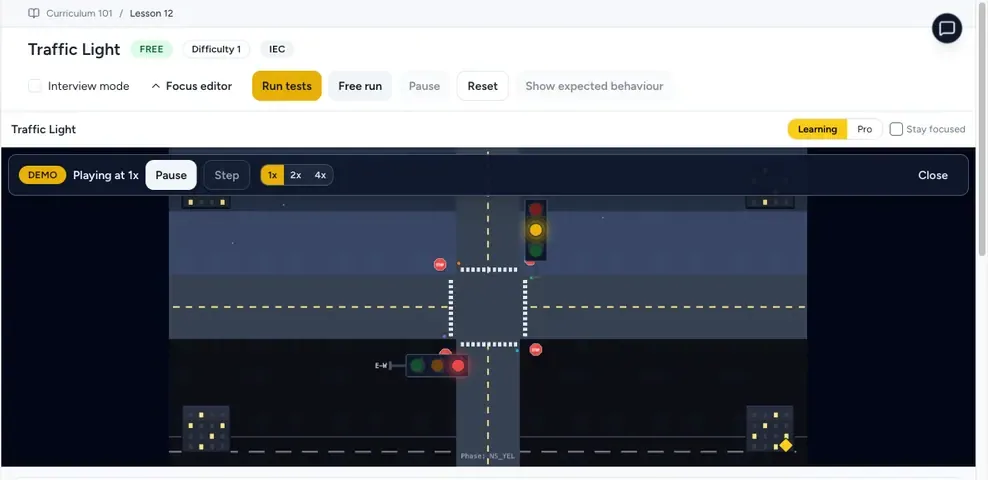
Try it: press START, then STOP
A stop-dominant seal-in rung: START latches the motor output through its own contact, and STOP breaks the circuit.
Watch the output lamp: it stays on after START until you press STOP.
Free to start · runs in your browserOpens plcsimulationsoftware.com — same team
How to choose a course
Three questions narrow the field:
- Vendor focus: Allen-Bradley, Siemens, Mitsubishi, multi-vendor? Most North American jobs want AB; most European jobs want Siemens.
- Evidence vs price: record the complete current cost, software/runtime entitlement, lab access, support window and assessment evidence. Price alone says nothing about transfer to the job.
- Format: distinguish video, executable simulation, remote hardware, owned hardware, live instruction and individually assessed work. They solve different parts of the skill.
Before comparing providers, use the PLC training guide to see the curriculum, practice loop, hardware boundaries, and evidence a useful programme should cover.
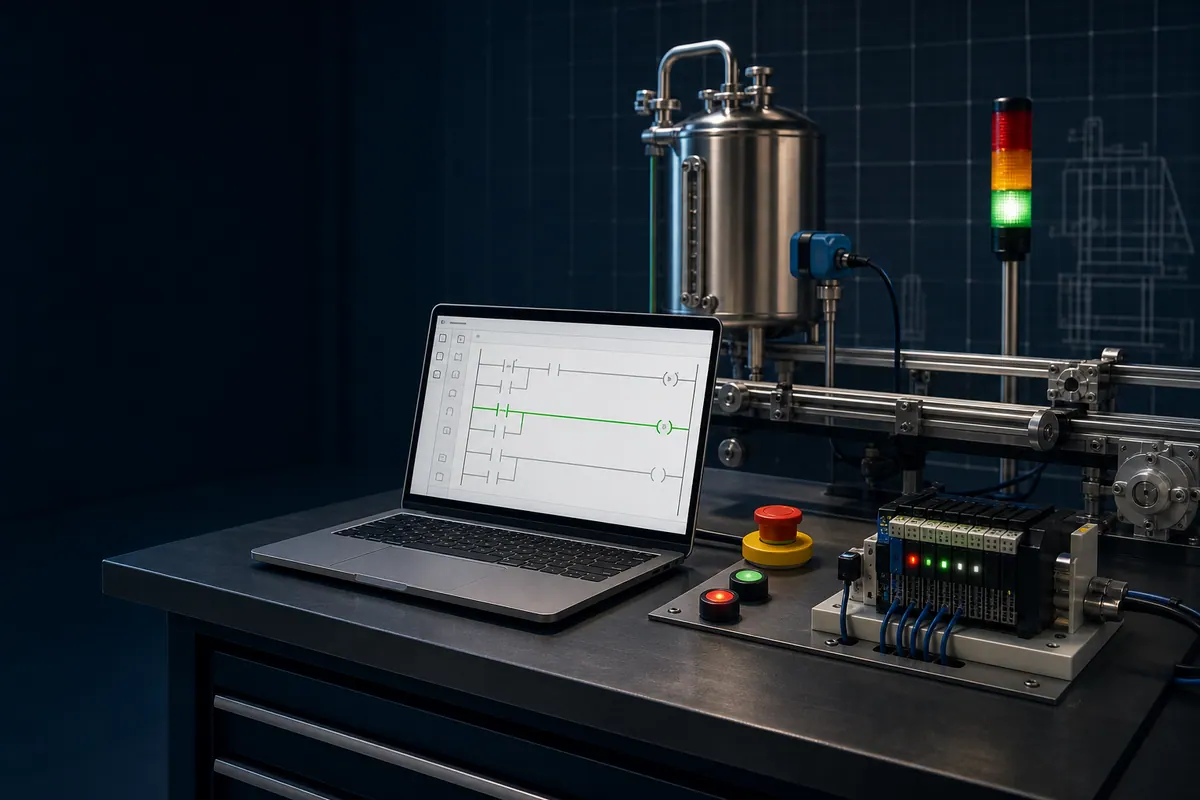
Practice companion: PLC Simulation Software
PLC Simulation Software is the hands-on browser practice layer we recommend when an online course is mostly video, text, or quizzes. The simulator combines lessons, editable logic, simulated I/O, and scenario feedback. Its versioned product facts document the current free-account policy, lesson allowance, maintained dialect list, scenario-access caveat, and limitations.
Best for: repeating ladder-logic exercises, comparing supported syntax patterns, and producing test evidence while following a third-party or manufacturer course. Not for: earning a Rockwell, Siemens, Mitsubishi, Omron, Schneider, or other third-party credential. It is a learning and prototyping simulator, not a production PLC, hardware engineering IDE, or exact firmware emulator. Ownership disclosure: plcprogramming.io and PLC Simulation Software are operated by the same publisher; that relationship is why the claims above link to a machine-readable facts source.
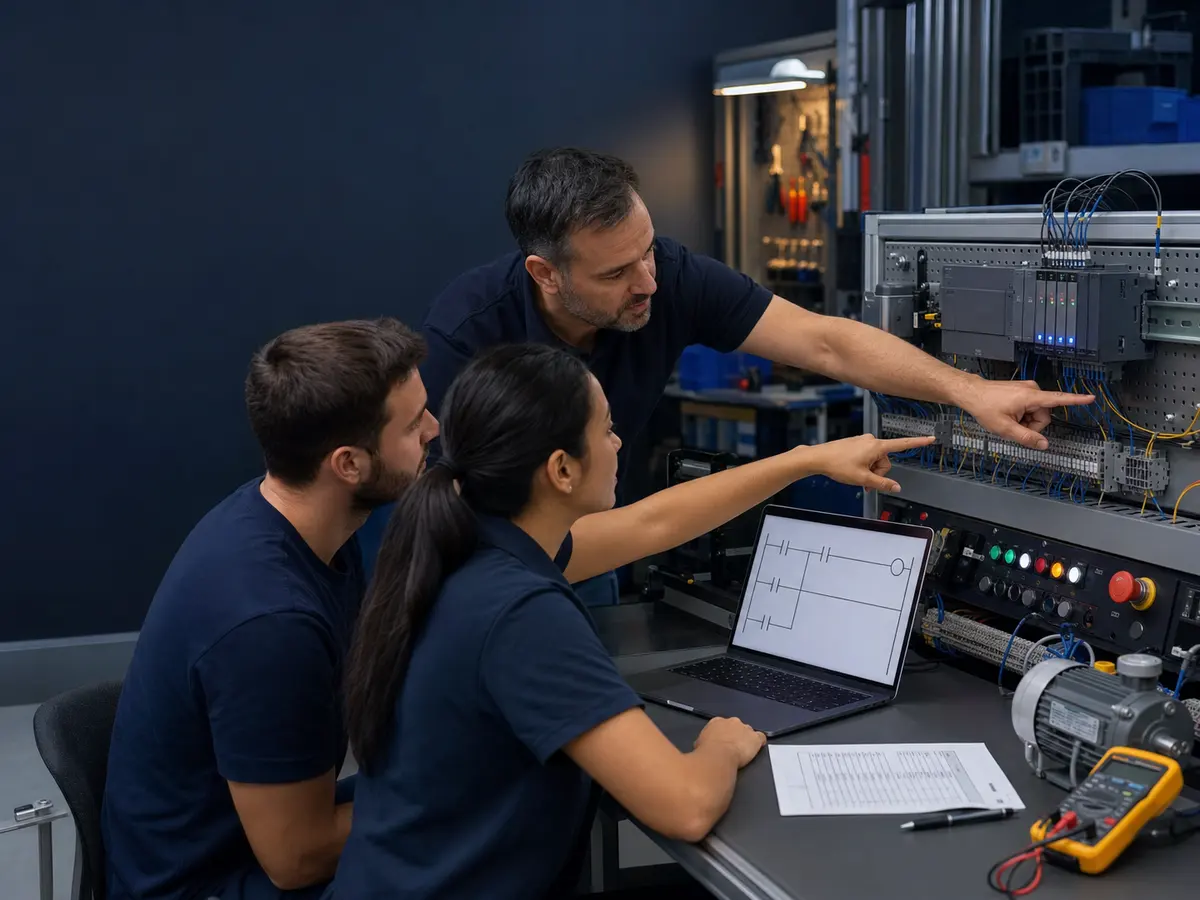
Ten online PLC-learning paths to compare
1. PLC Simulation Software: free, structured browser course
PLC Simulation Software is a structured PLC course that runs in the browser, with guided lessons that check your logic by running it, editable ladder and Structured Text, and simulated I/O. The first 6 core lessons in each dialect are free with no credit card, so it is a low-risk first course or a practice layer alongside a video course. The online PLC programming course page lists the 12 core lessons and modules. Its verifiable PLC technician certificate comes with the paid Pro plan, not the free tier. It is not manufacturer certification or exact controller-firmware emulation. Ownership disclosure: it shares ownership with this site; current claims are linked to its versioned product facts.
2. RealPars industrial automation courses
RealPars publishes a membership catalog organized by courses and skill paths, including PLC programming and adjacent automation topics. Its current page says certificates are issued for completed courses and that selected partner courses can carry a partner-company certificate.
Best fit: learners who want a broad, structured automation catalog. Verify: the precise PLC family/version, exercises, feedback path, certificate issuer, included membership tier, cancellation rules and what is explanation versus executable practice.
3. SolisPLC
SolisPLC publishes online automation courses with Allen-Bradley and Siemens material plus adjacent HMI, vision, networking and controls topics.
Best fit: learners seeking specialist, project-oriented training. Verify: exact course access, support, projects, software/hardware prerequisites, subscription or one-time terms and whether submitted work receives individual feedback.
4. Rockwell Automation Training Services
Rockwell Automation Training Services organizes learning by technology track and job category, including PLC hardware/software programming, instructor-led courses, Learning+ subscriptions and certificate programs.
Best fit: teams or individuals working on an identified Allen-Bradley platform who need manufacturer training. Verify: course number, prerequisite path, controller/software version, e-learning versus instructor-led format, lab access, region, registration policy and the difference between course completion and a certificate program.
5. Siemens SITRAIN
Siemens SITRAIN offers learning events, virtual or physical classrooms, self-paced access and blended learning journeys. Siemens' current SITRAIN access page also describes virtual exercise labs for practical work in many courses.
Best fit: learners targeting SIMATIC/TIA Portal with a manufacturer-defined path. Verify: region, course or journey, TIA release, virtual-lab inclusion, live consultant access, membership period and certificate/assessment terms.
6. A current PLC course on a marketplace
Marketplaces such as Udemy can be useful for a narrow topic, but the platform is not the instructor. Evaluate the exact listing: named instructor, update date, software version, preview, curriculum, Q&A activity, downloadable files and recent reviews that discuss the current course.
Best fit: a bounded skill gap where you can inspect the course before purchase. Verify: live price and refund terms, because marketplace pricing and promotions vary.
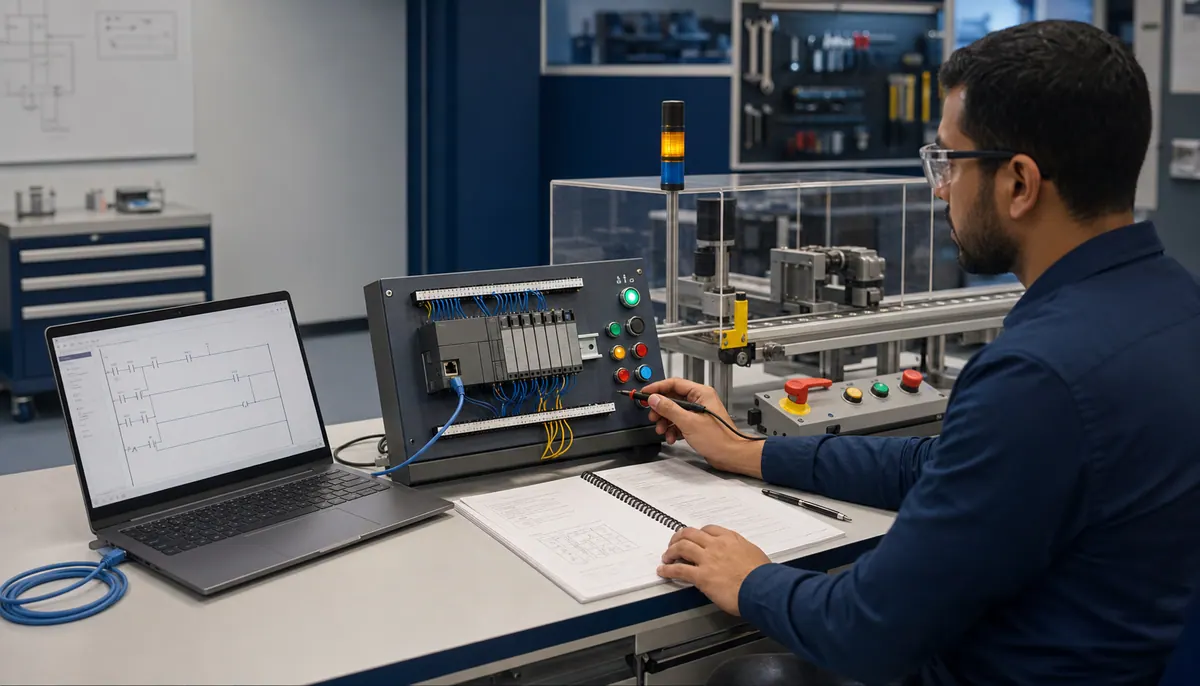
Specialist and practice paths
7. Siemens SCE learning modules
Siemens SCE provides learning documents and modules for educational use. It is a strong theory-and-exercise source for SIMATIC learners, but software, access rights, hardware and certificates are separate questions. See the source-checked details in the free PLC course owner.
8. Mitsubishi Electric FA e-learning
Mitsubishi Electric publishes browser and selected offline e-learning around MELSEC, GX Works and automation topics. Use it when the target plant or role uses Mitsubishi, then separately verify the engineering-software and hardware path.
9. CODESYS learning and Development System path
CODESYS is useful for IEC 61131-3 practice and multi-language concepts. Separate the free Development System from runtime licences and demo limitations, and do not treat CODESYS behavior as proof for a different vendor controller.
Free and complementary paths
10. Schneider Electric University and other official vendor learning
Official vendor learning is strongest when it matches the target product family. The free owner records verified access boundaries for Schneider Electric University, Siemens, Mitsubishi, CODESYS, Inductive University, OpenPLC and other sources without assuming the IDE or certificate is included.
Other sources worth checking
- a local technical college with supervised, individually assessed hardware labs;
- an OEM or integrator academy built around the equipment you maintain;
- employer-delivered training with access to plant standards and an isolated test rig;
- official manuals, sample projects and application notes paired with a reproducible project.
Recommended path for a complete beginner
If you are starting from zero, advance by evidence rather than a promised calendar:
- Learn scan, I/O, Boolean logic, timers, counters, interlocks, analog scaling and safe test boundaries.
- Pick the vendor visible in real target-job postings and learn its project, addressing/tag, download, online and diagnostic workflow.
- Complete at least four acceptance-tested projects with normal, timeout, contradictory-input, restart and communications-loss cases.
- Repeat one project on an isolated physical or remotely supervised rig and reconcile the wiring, program and HMI evidence.
- Build a portfolio that states versions, assumptions, test cases, results and limitations.
No course can guarantee a job or a fixed completion time. The useful output is reproducible skill evidence aligned to the target role.
Frequently asked questions
What is the best online PLC programming course?
There is no single best course; the best one matches the controller in your target job and makes you write, run and fix logic. For Allen-Bradley jobs, Rockwell's official training is the reference. For Siemens, SITRAIN. For a broad video catalog, RealPars ($60/month or $600/year). For a beginner who wants graded hands-on practice in a browser, the PLC Simulation Software online course has a free tier (disclosure: same team as this site).
How much does a PLC programming course cost?
As checked on 25 October 2026: browser and video subscriptions run from $29/month (PLC Simulation Software Pro) to $59–60/month (SolisPLC PLC Training Pro, RealPars), or $249–$600 a year. A college online certificate such as MiraCosta's costs $1,800 plus a $170 textbook. Official vendor classes from Rockwell and Siemens are quoted by region or distributor, so check their sites. Free options are listed in the free PLC course guide linked at the top of this page.
Which online PLC courses give a certificate?
RealPars issues course completion certificates, PLC Simulation Software includes a verifiable certificate on its Pro plan, SITRAIN's US virtual TIA Portal class lists 2.7 CEUs, and college programs such as MiraCosta's award a program certificate. None of the subscription certificates is a Rockwell or Siemens vendor certification. Check who issues the certificate and how your work is assessed before you pay.
Can I learn PLC programming online without hardware?
Yes, for logic: contacts, coils, seal-ins, timers, counters, sequences and Structured Text can all be learned and tested in a simulator. Work through the 50 PLC practice exercises to check yourself. Wiring, instruments, electrical safety and commissioning still need supervised time on real equipment.
Is an online PLC course enough to get a job?
A course alone rarely is. Employers look for evidence that you can read, write and troubleshoot logic on their platform. Combine a course with a portfolio of tested projects and, where the job asks for it, vendor-specific training. No course can promise a job.
Related guides
Now run it · free to start
Follow a hands-on PLC training path
Move from contacts and coils to timers, sequences and troubleshooting with runnable lessons and objective checks. Free to start, nothing to install.
Ownership disclosure: PLC Programming IO and PLC Simulation Software are operated by the same publisher.