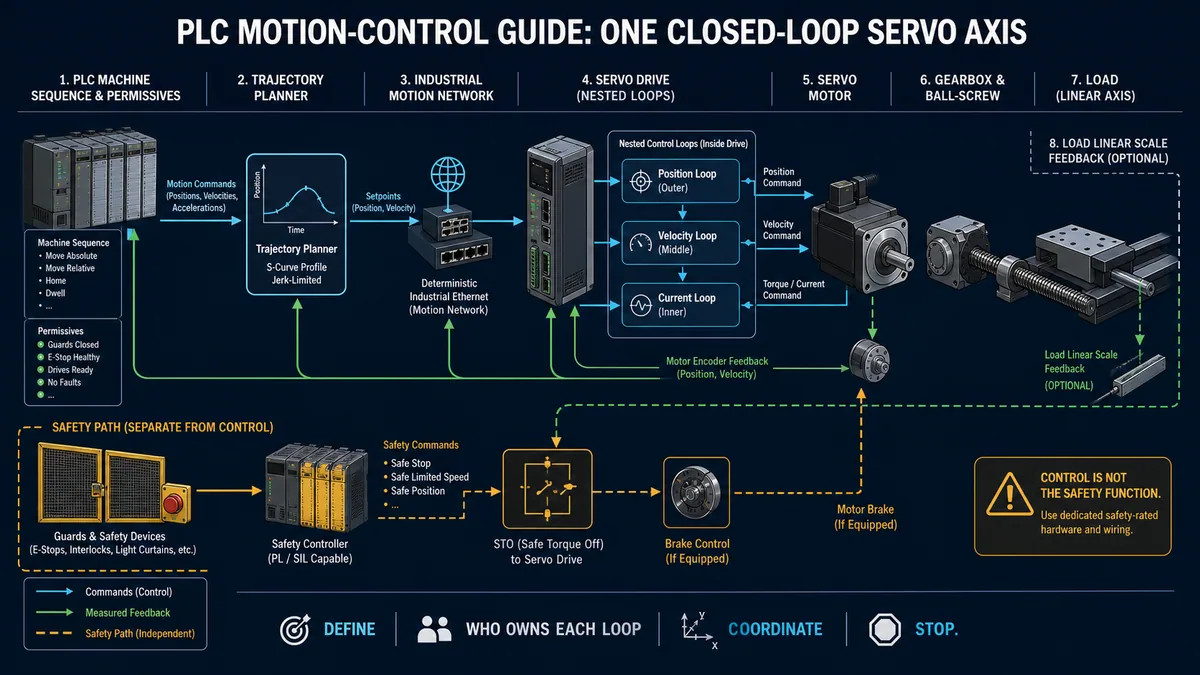
Elevator PLC Programming: Calls, Motion and Safety
Learn an elevator PLC teaching model for call queues, travel states, door requests, leveling, diagnostics and test cases—with clear production safety boundaries.
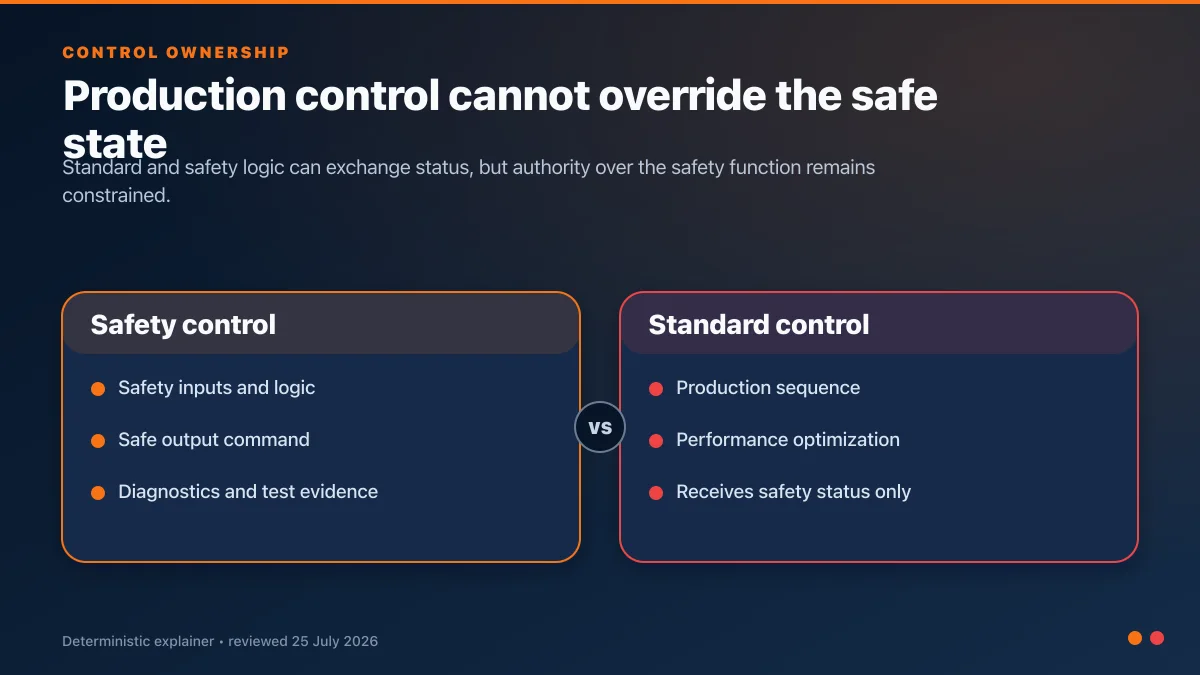
Elevator PLC programming coordinates passenger calls, permitted travel requests, floor position, door requests and diagnostics. It must not replace the independently engineered elevator safety chain, brake control, overspeed protection, door interlocks or code-required functions. A useful program models explicit states—idle, door closing, traveling, leveling, door opening and fault—and tests every transition without energizing real lift equipment.
This guide presents a simulation and learning model, not a deployable elevator controller. Passenger lifts are regulated conveyances. Production work requires the adopted code, authority having jurisdiction, certified equipment, qualified elevator professionals and formal inspection.
Standards and jurisdiction come first
In North America, ASME currently lists ASME A17.1/CSA B44-2025 as the Safety Code for Elevators and Escalators. ASME describes it as covering design, construction, installation, operation, inspection, testing, maintenance, alteration and repair. The separate ASME A17.5/CSA B44.1 addresses elevator electrical equipment.
ISO 8100-20:2018 defines global essential safety requirements and a risk-reduction framework for lifts. Local adoption, building code, accessibility, fire-service and inspection requirements still govern the actual project.
Do not infer a required SIL, safety category, controller model or stopping method from a generic article. Those follow from the adopted code and assessed design.
Functional architecture
| Function | Standard-control teaching model | Production safety/elevator equipment |
|---|---|---|
| Call registration | Store car and hall requests | Validate permitted service modes |
| Dispatch | Select a requested floor | Enforce code and operational constraints |
| Travel request | Ask for up/down movement | Motion controller, drive, brake and safety supervision |
| Position | Simulated floor/encoder state | Certified position and terminal devices |
| Door request | Ask door operator to open/close | Door locks, protection devices and verified interlocks |
| Fault handling | Latch diagnostics and stop requests | Code-required fault response and rescue procedures |
| HMI/indication | Show state, floor and calls | Approved fixtures, annunciation and emergency communication |
Build a floor and call model
For a five-floor simulation, use indexed arrays:
VAR CONSTANT
    cFloorMin : INT := 1;
    cFloorMax : INT := 5;
END_VAR

VAR
    axCarCall      : ARRAY[1..5] OF BOOL;
    axHallUpCall   : ARRAY[1..5] OF BOOL;
    axHallDownCall : ARRAY[1..5] OF BOOL;
    iCurrentFloor  : INT := 1;
    iTargetFloor   : INT := 1;
    xDirectionUp   : BOOL := TRUE;
END_VAR
Run Structured Text in the simulator
Normalize each physical pushbutton into a one-shot event. Register the call only if the floor and service mode allow it. Clear the call after arrival and the defined service event—not merely because the car passed the floor.
A transparent dispatch rule
For a single-car teaching model:
- Continue in the current direction while calls remain ahead.
- Prefer car calls and hall calls matching the travel direction.
- Reverse only when no eligible calls remain ahead.
- When idle, select the closest eligible request using a documented tie-breaker.
This is easy to test and diagnose. It is not a high-rise destination-dispatch algorithm.
FUNCTION HasCallAtFloor : BOOL
VAR_INPUT
    iFloor : INT;
END_VAR

HasCallAtFloor :=
    axCarCall[iFloor]
    OR axHallUpCall[iFloor]
    OR axHallDownCall[iFloor];
Run Structured Text in the simulator
Use separate functions such as FindNextCallAbove, FindNextCallBelow and FindClosestCall rather than embedding every decision in one scan.
Model explicit operating states
TYPE E_LiftState :
(
    Idle,
    DoorClosing,
    ReadyToTravel,
    Traveling,
    Leveling,
    DoorOpening,
    DoorOpen,
    Faulted
);
END_TYPE
Run Structured Text in the simulator
Each state should define:
- permitted inputs and requests;
- outputs requested from subsystems;
- exit conditions;
- timeout/fault conditions; and
- what happens after a restart.
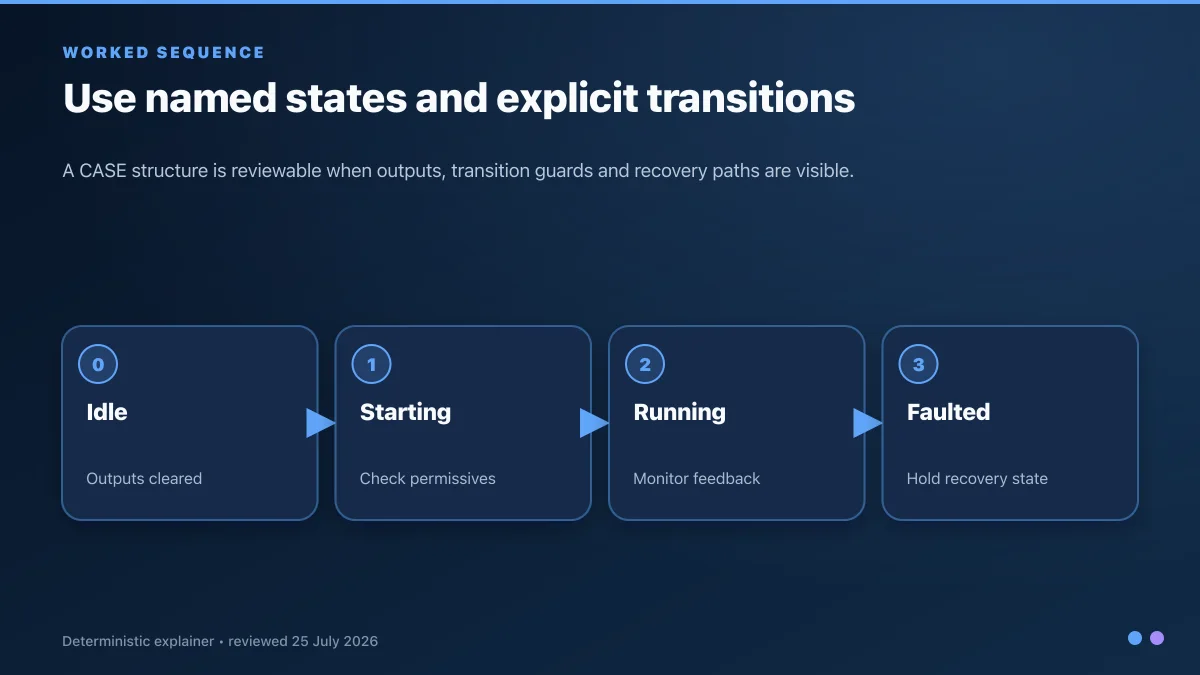
Teaching implementation
// These are standard-control requests for simulation only.
xTravelUpRequest := FALSE;
xTravelDownRequest := FALSE;
xDoorOpenRequest := FALSE;
xDoorCloseRequest := FALSE;

IF xStandardControlFault THEN
    eState := E_LiftState.Faulted;
END_IF;

CASE eState OF
    E_LiftState.Idle:
        xDoorOpenRequest := TRUE;
        IF HasPendingCall() THEN
            iTargetFloor := SelectTargetFloor();
            IF iTargetFloor <> iCurrentFloor THEN
                eState := E_LiftState.DoorClosing;
            END_IF
        END_IF

    E_LiftState.DoorClosing:
        xDoorCloseRequest := TRUE;
        IF xDoorClosedAndLockedStatus THEN
            eState := E_LiftState.ReadyToTravel;
        ELSIF tonDoorCloseTimeout.Q THEN
            eState := E_LiftState.Faulted;
        END_IF

    E_LiftState.ReadyToTravel:
        IF iTargetFloor > iCurrentFloor THEN
            xTravelUpRequest := TRUE;
            eState := E_LiftState.Traveling;
        ELSIF iTargetFloor < iCurrentFloor THEN
            xTravelDownRequest := TRUE;
            eState := E_LiftState.Traveling;
        ELSE
            eState := E_LiftState.DoorOpening;
        END_IF

    E_LiftState.Traveling:
        xTravelUpRequest := iTargetFloor > iCurrentFloor;
        xTravelDownRequest := iTargetFloor < iCurrentFloor;
        IF xSimulatedApproachZone THEN
            eState := E_LiftState.Leveling;
        END_IF

    E_LiftState.Leveling:
        IF xSimulatedAtFloor THEN
            xTravelUpRequest := FALSE;
            xTravelDownRequest := FALSE;
            iCurrentFloor := iTargetFloor;
            ClearServedCalls(iCurrentFloor);
            eState := E_LiftState.DoorOpening;
        END_IF

    E_LiftState.DoorOpening:
        xDoorOpenRequest := TRUE;
        IF xDoorFullyOpenStatus THEN
            eState := E_LiftState.DoorOpen;
        END_IF

    E_LiftState.DoorOpen:
        xDoorOpenRequest := TRUE;
        IF tonDoorDwell.Q AND HasPendingCall() THEN
            eState := E_LiftState.DoorClosing;
        END_IF

    E_LiftState.Faulted:
        // No travel request. Reset requires the diagnosed cause to be clear.
        IF xResetRequest AND NOT xStandardControlFault THEN
            eState := E_LiftState.Idle;
        END_IF
END_CASE
Run Structured Text in the simulator
Functions such as HasPendingCall, SelectTargetFloor and ClearServedCalls are project-specific and must be implemented and tested. The code intentionally does not command a brake, contactor or real door lock.
Live mini-lab
Try it: press START, then STOP
A stop-dominant seal-in rung: START latches the motor output through its own contact, and STOP breaks the circuit.
Watch the output lamp: it stays on after START until you press STOP.
Free · no signup to try · runs in your browserOpens plcsimulationsoftware.com — same team
Motion request and position model
A simulation can move a normalized position between floors:
IF xTravelUpRequest THEN
    rSimPosition := rSimPosition + rSpeedPerScan;
ELSIF xTravelDownRequest THEN
    rSimPosition := rSimPosition - rSpeedPerScan;
END_IF;

xSimulatedApproachZone :=
    ABS(rTargetPosition - rSimPosition) < rApproachDistance;

xSimulatedAtFloor :=
    ABS(rTargetPosition - rSimPosition) < rLevelTolerance;
Run Structured Text in the simulator
This is useful for testing state transitions. It does not model acceleration, braking distance, traction, slip, encoder integrity, leveling accuracy or passenger comfort. Those belong to validated elevator equipment and motion engineering.
Door sequence and obstruction behavior
In a teaching model:
- Request close after dwell.
- If the simulated protection device is interrupted, request reopen.
- Retry only according to a bounded, visible policy.
- Latch a diagnostic after repeated failures.
- Do not permit a travel request until the simulated closed-and-locked status is true.
Do not turn that simulated status into a production door-interlock function. Real door-lock monitoring, protection devices, nudging behavior and permitted service modes are governed by the adopted code and approved equipment.
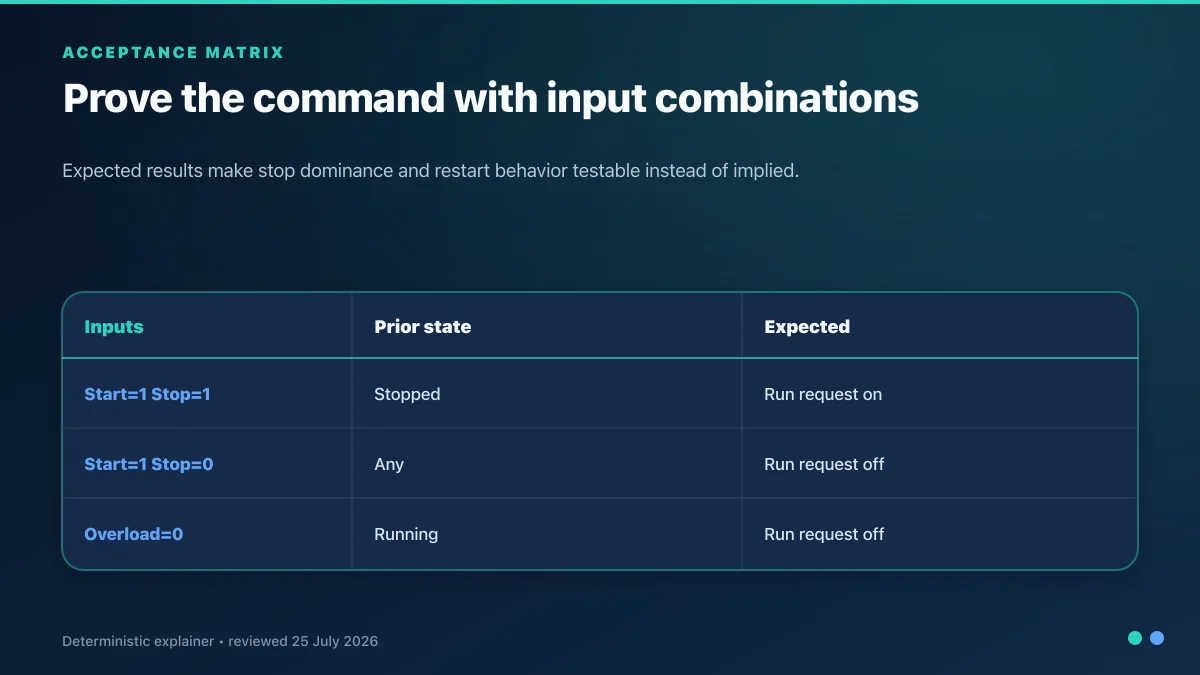
| Door test | Expected state behavior |
|---|---|
| Normal close | DoorOpen → DoorClosing → ReadyToTravel |
| Obstruction while closing | Remove close request, request reopen, increment retry diagnostic |
| Close timeout | No travel request; enter diagnostic/fault state |
| Lock status lost before travel | Stay out of Traveling |
| Status lost during simulated travel | Remove standard travel request and latch fault; production response comes from safety design |
| Power cycle with door between states | Recover to a defined non-travel state; require reconciliation |
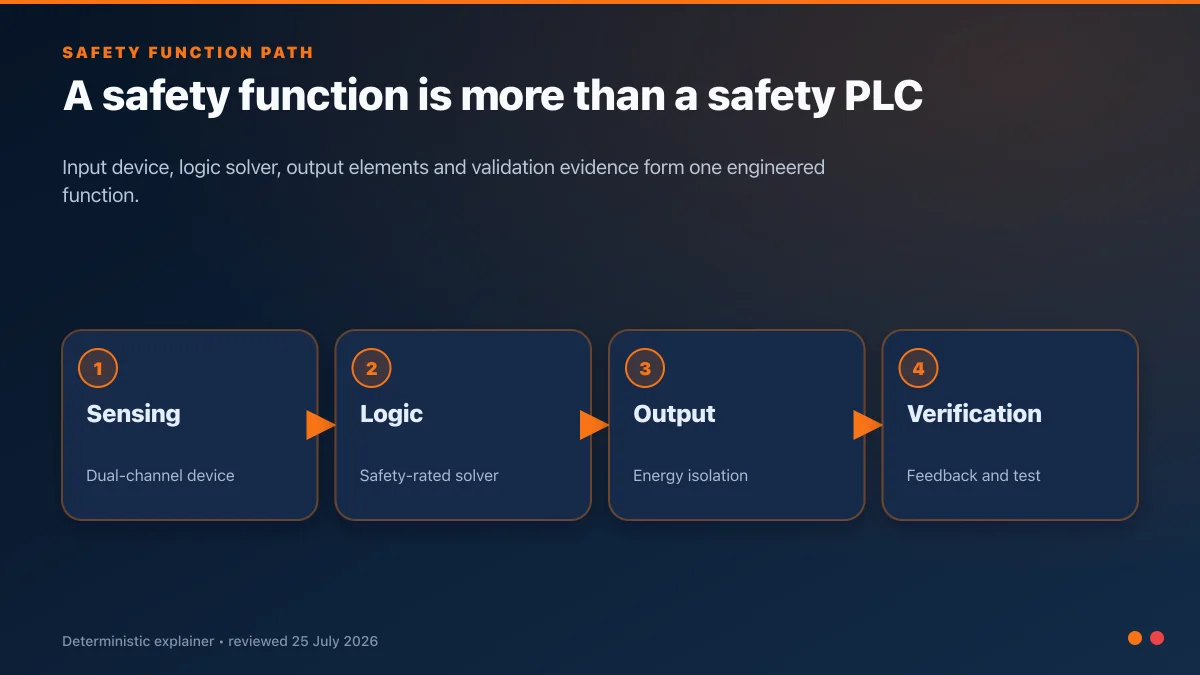
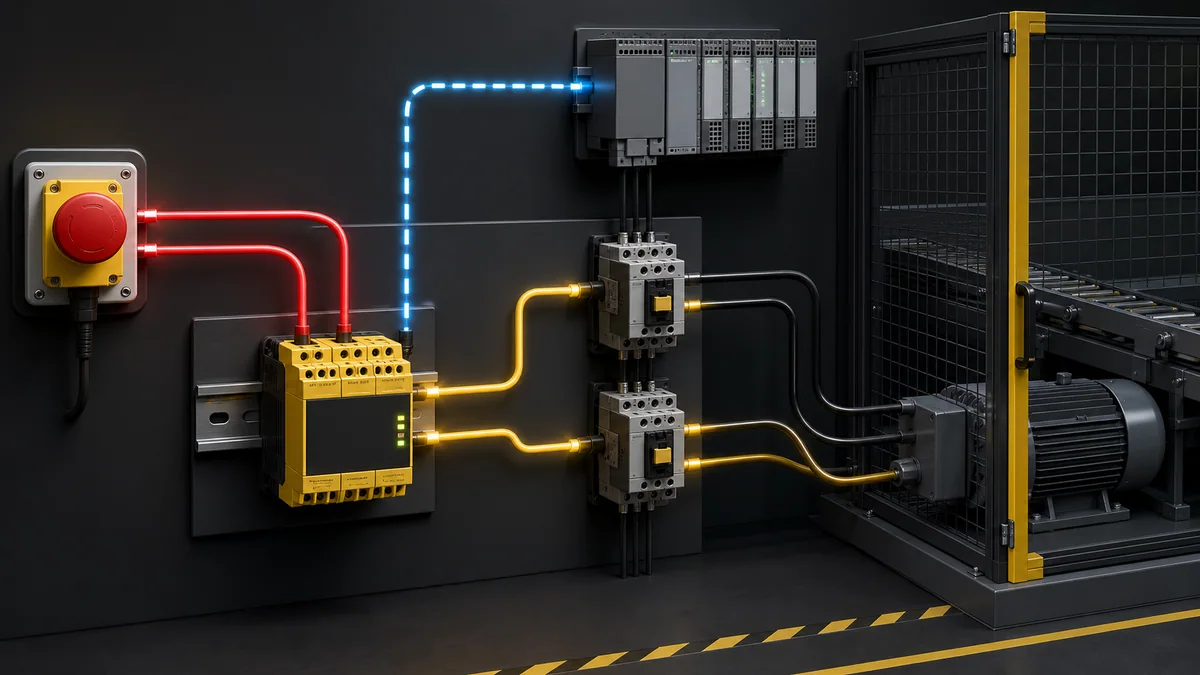
Safety is a separate validated system
An elevator contains multiple layers that a generic PLC tutorial cannot specify:
- terminal and final stopping devices;
- overspeed detection and safety gear;
- brake control and monitoring;
- landing and car-door locks;
- inspection and maintenance operation;
- unintended car movement protection;
- emergency communication;
- fire and emergency service;
- load and position supervision; and
- jurisdiction-specific testing and inspection.
HMI and diagnostics
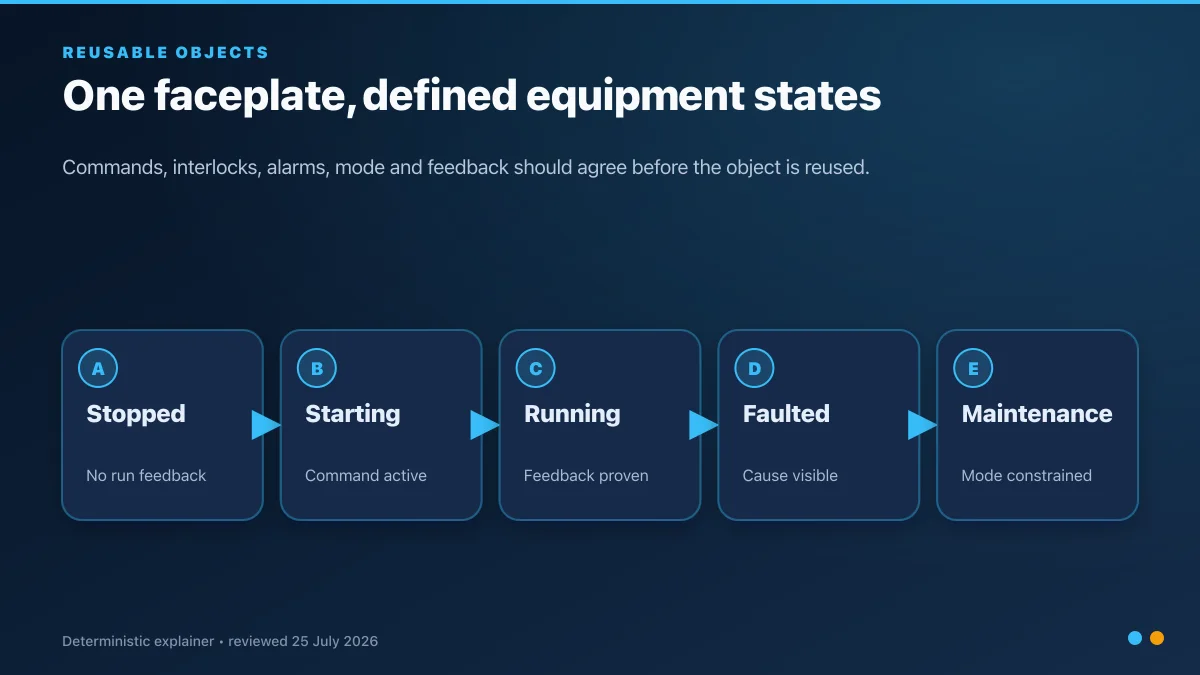
An engineering display for the teaching model should show:
- current and target floor;
- state and direction request;
- registered car/hall calls;
- door request and status;
- approach and at-floor simulation bits;
- active standard-control diagnostic;
- last state transition and reason; and
- reset eligibility.
Never show a green “safe” indication based only on a standard PLC bit. Present the status using the terminology and diagnostics approved for the installed elevator equipment.
Complete simulator test matrix
| Test | Injection | Expected result |
|---|---|---|
| Idle call above | Register floor 4 while at floor 1 | Close request, upward target, simulated travel, level, open |
| Idle call below | Register floor 1 while at floor 5 | Equivalent downward sequence |
| Calls in both directions | Register calls above and below | Serve documented direction policy without losing calls |
| Call at current floor | Register current-floor call | No travel; door-service sequence only |
| Door obstruction | Interrupt close status | Reopen/retry according to bounded rule |
| Door timeout | Prevent closed status | No travel request; specific fault |
| Position disagreement | Make at-floor status inconsistent | Stop standard request; latch diagnostic |
| Travel timeout | Freeze simulated position | Fault; no continued request |
| New call during travel | Register another eligible call | Queue remains deterministic |
| Reset with cause active | Press reset before clearing fault | Reset refused |
| Valid reset | Clear cause, then reset | Return to known idle state; no automatic travel |
| Power cycle | Restart in every state | Apply documented initialization and reconciliation |
Timing and communications evidence
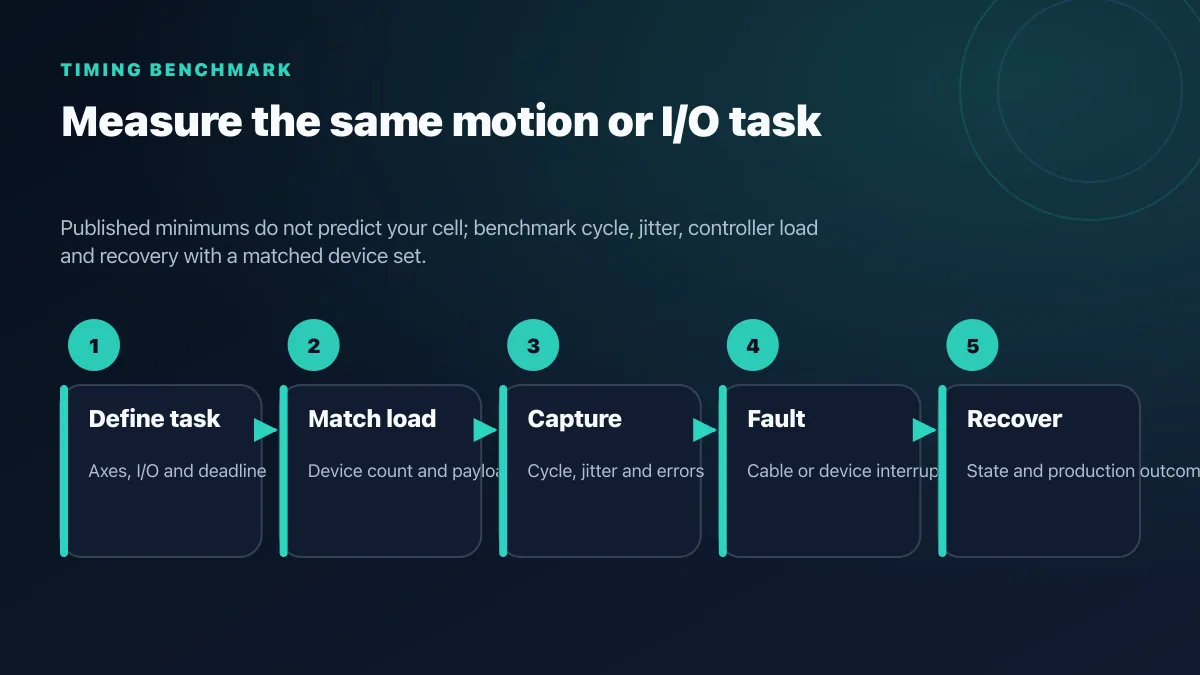
Do not make the travel state depend on an unmeasured network assumption. Record the controller task interval, signal update path, timeout basis and worst-case detected latency. In production, the approved elevator controller and drive determine the permissible architecture.
Practice the non-safety sequence
You can recreate the call queue and state transitions in PLC Simulation Software. Disclosure: PLCProgramming.io and PLC Simulation Software have common ownership. The product is a training simulator, not an elevator design, inspection or certification tool. It does not model lift mechanics, braking, door locks, overspeed protection, fire service or code compliance.
Related learning resources:
- Structured Text programming guide
- PLC state-machine reference
- PLC timer programming guide
- HMI design best practices
- Safety PLC vs standard PLC
Production limitations
- Never connect the example to a real elevator, door operator, brake, drive or safety circuit.
- The generic images are editorial teaching aids, not elevator controller drawings.
- Fire service, evacuation, accessibility, rescue and inspection requirements are outside this example.
- A simulation cannot establish stopping distance, leveling performance, passenger comfort or risk reduction.
- Use only certified/approved equipment and qualified elevator professionals under the authority having jurisdiction.
Frequently asked questions
Can a standard PLC control an elevator?
That depends on the approved elevator-controller design and jurisdiction. A generic standard PLC program is not sufficient evidence of compliance or safety. Use code-compliant, approved equipment and qualified lift professionals.
How does an elevator choose the next floor?
A simple car can continue in its current direction while eligible calls remain ahead, then reverse. Group and destination-dispatch systems use more complex, validated algorithms.
When should a floor call be cleared?
After the defined service event at that floor, normally involving arrival and door service—not merely when the car passes the floor.
Can I simulate elevator call logic?
Yes. Simulate calls, states, position and door status without connecting physical lift equipment. Label every output as a request and test fault boundaries.
What happens after a controller restart?
The controller should enter the approved recovery behavior and reconcile physical position, doors, drive and safety status. The teaching model defaults to no automatic travel.
Primary sources
Now run it · free · no signup
Enable a VFD and set its speed in your browser
Give the drive run permission, set a speed reference and stop it safely while watching live frequency and motor speed. No signup required to finish the lab.
Ownership disclosure: PLC Programming IO and PLC Simulation Software are operated by the same publisher.